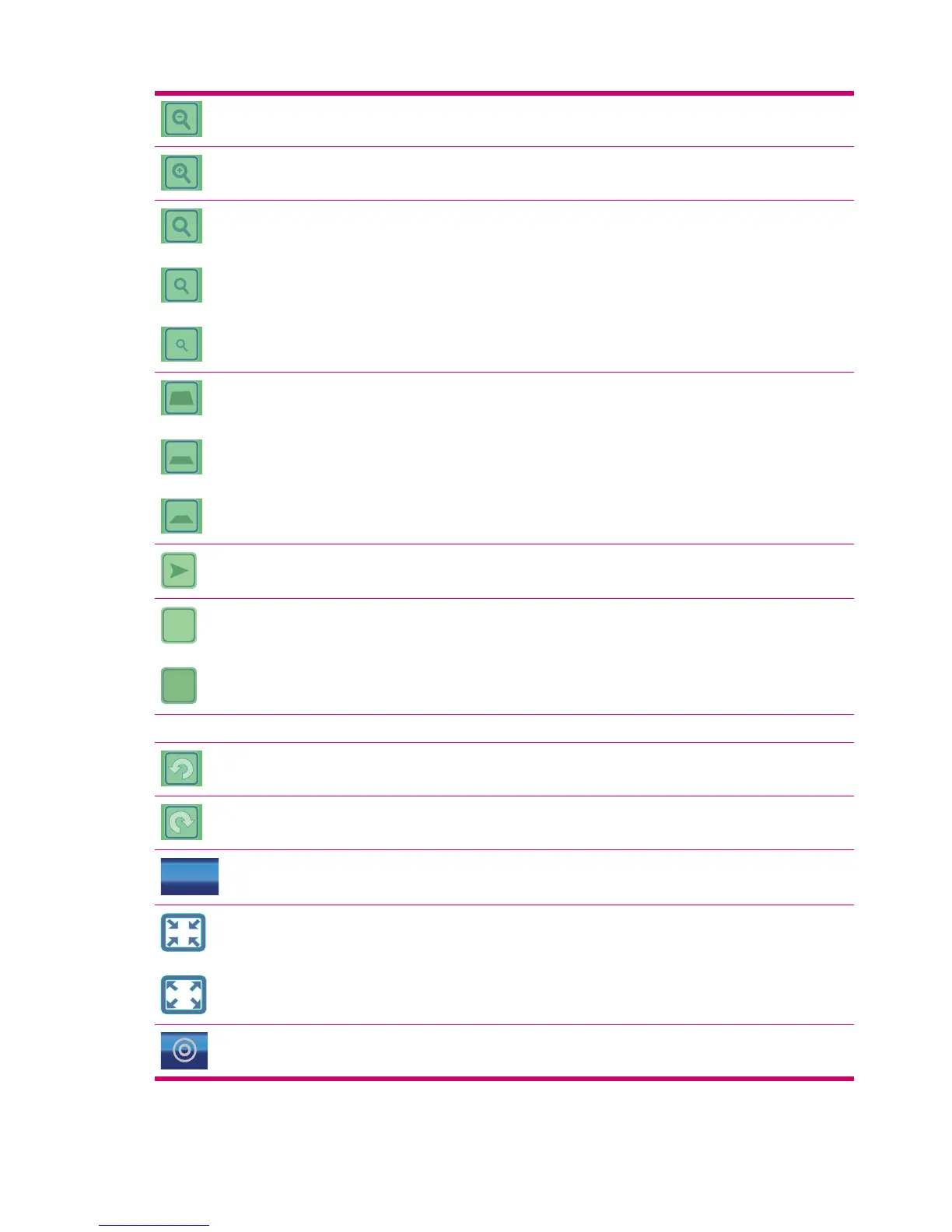
Zooms out map
Zooms in map
Initiates fixed zoom levels and re-enables Lock-to-Position
(2D map only)**. This option is displayed only when GPS
position is available.
Initiates fixed tilt and zoom levels and re-enables
Lock-to-Position (3D map only)**. This option is displayed only
when GPS position is available.
Re-enables Lock-to-Position and Smart Zoom
2D
3D
Toggles between 2D (Map) and 3D (Cockpit) screens
Selected map point (Cursor)
Rotates map left (3D map only)
Rotates map right (3D map only)
2007-08-04
18:12:04
Date and Time
Changes content: Date, Time, or Date/Time
This option enables you to switch to full screen map mode and
back to normal map mode on the map screen.
Opens Cursor menu
44 Chapter 12 Map



 To Next Page