| 9
2 | Getting started
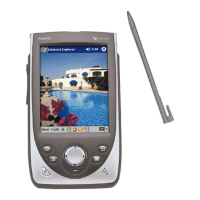
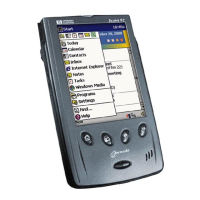
This chapter will help you start using your HP Jornada Pocket PC. You will
become familiar with the hardware, learn how to set up your HP Jornada, and
find a brief introduction to the Windows for Pocket PC operating system. When
you finish this chapter, you will have all the information you need to begin
working with your HP Jornada.
This chapter includes step-by-step instructions to help you:
• Identify hardware features.
• Complete the Welcome Wizard.
• Navigate in Windows for Pocket PC.
• Enter information.
• Find and organize information.


 To Next Page
 Loading...