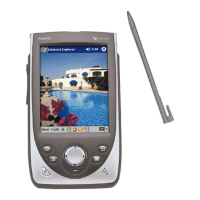
54 | HP Jornada 540 Series User
’
s Guide
Working with messages on your HP Jornada
Using the message list
Messages you receive are displayed in the message list. By default, the most
recently received messages appear first in the list. Unread messages are
displayed in bold.
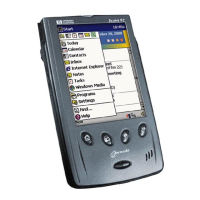
The Inbox message list
To read a message
1. In the message list, tap the icon of the message you want to read.
• To reply to or forward the message, tap
.
• To read the next message, tap the down arrow on the Command
bar.


 To Next Page
 Loading...