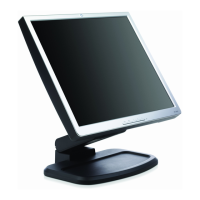
Setting Up the Monitor
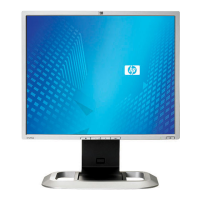
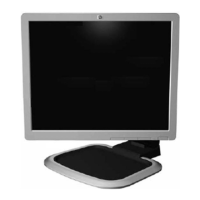
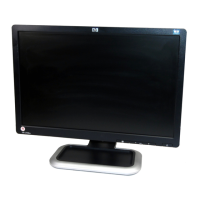
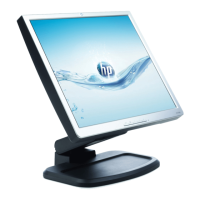
1. Place the monitor in a convenient, well-ventilated location
near your computer.
2. Pivot the monitor to the portrait position to access the
connectors. Connect one end of the power cable to the power
connector on the monitor 1, and the other end to an electrical
wall outlet 2.
Connecting the Power Cable
3–4 User Guide


 To Next Page
 Loading...