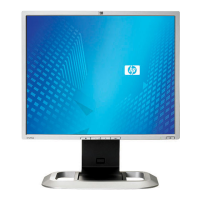
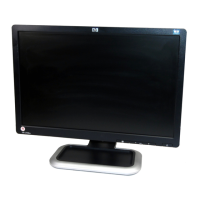
Setting Up the Monitor
Ä
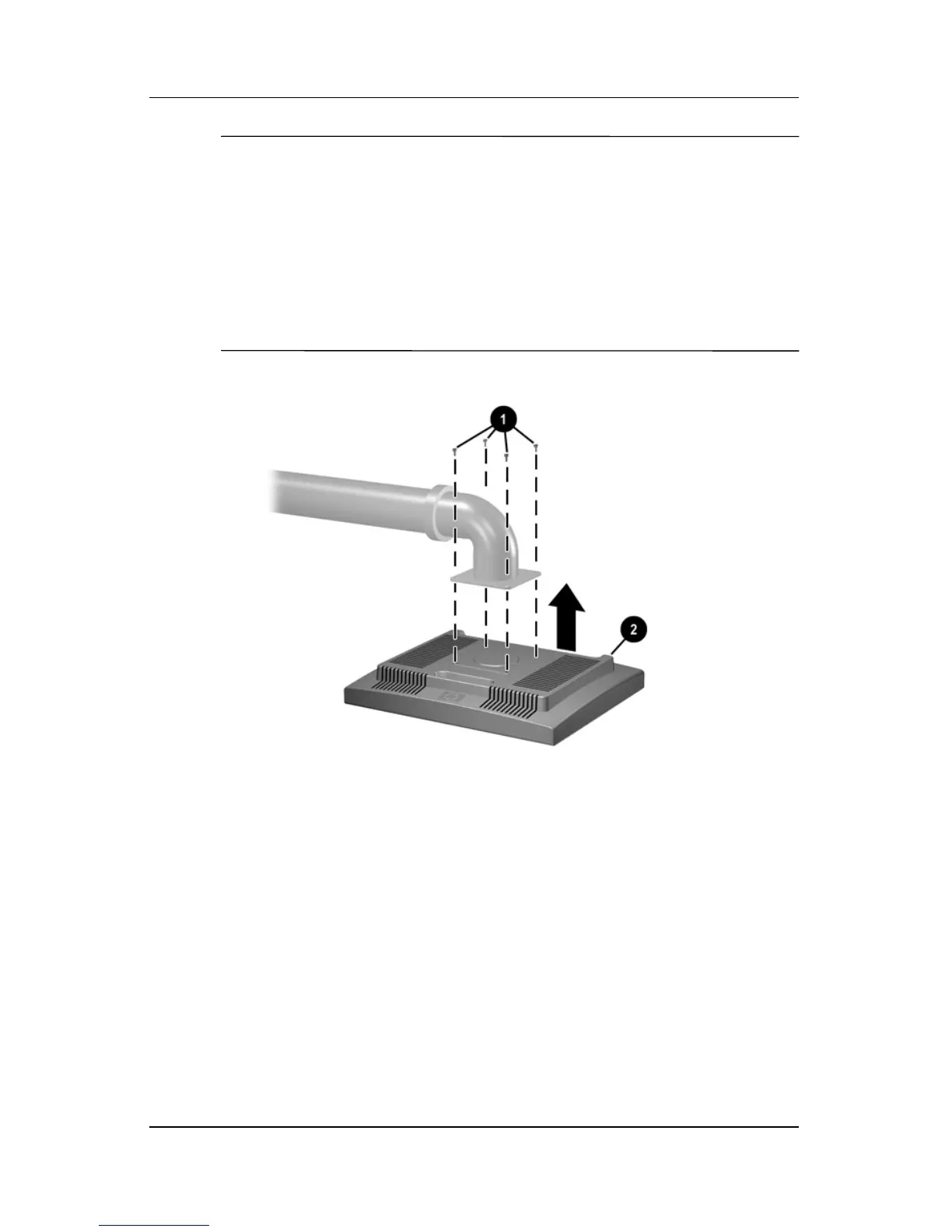
CAUTION: This monitor supports the VESA industry standard
100mm mounting holes. To attach a third party mounting solution to
the monitor, 4mm, 0.7 pitch, and 10mm long screws are required
(not provided with the monitor). Longer screws should not be used
because they may damage the monitor. It is important to verify that
the manufacturer’s mounting solution is compliant with the VESA
standard and is rated to support the weight of the monitor display
panel. For best performance, it is important to use the power and
video cables provided with the monitor.
Mounting the Monitor
User Guide 3–13


 To Next Page
 Loading...