Lights
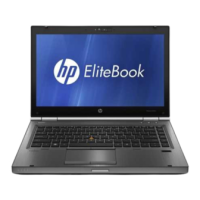
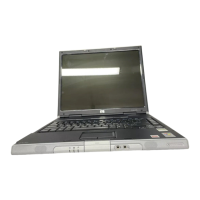
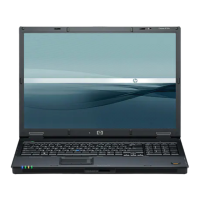
NOTE: Refer to the illustration that most closely matches your computer.
Component Description
(1) Power light
●
On: The computer is on.
●
Blinking: The computer is in the Sleep state, a power-saving
state. The computer shuts o power to the display and
other unneeded components.
●
O: The computer is o or in Hibernation. Hibernation is a
power-saving state that uses the least amount of power.
(2) Microphone mute light
●
Amber: microphone sound is o.
●
O: microphone sound is on.
(3) Num lock light On: Num lock is on.
(4) Wireless light On: An integrated wireless device, such as a wireless local area
network (WLAN) device and/or a Bluetooth® device, is on.
NOTE: On some models, the wireless light is amber when all
wireless devices are o.
(5) Mute light
●
Amber: Computer sound is o.
●
O: Computer sound is on.
(6) Caps lock light On: Caps lock is on, which switches the key input to all capital
letters.
(7) TouchPad light
●
On: The TouchPad is o.
12 Chapter 2 External component identication






 To Next Page
