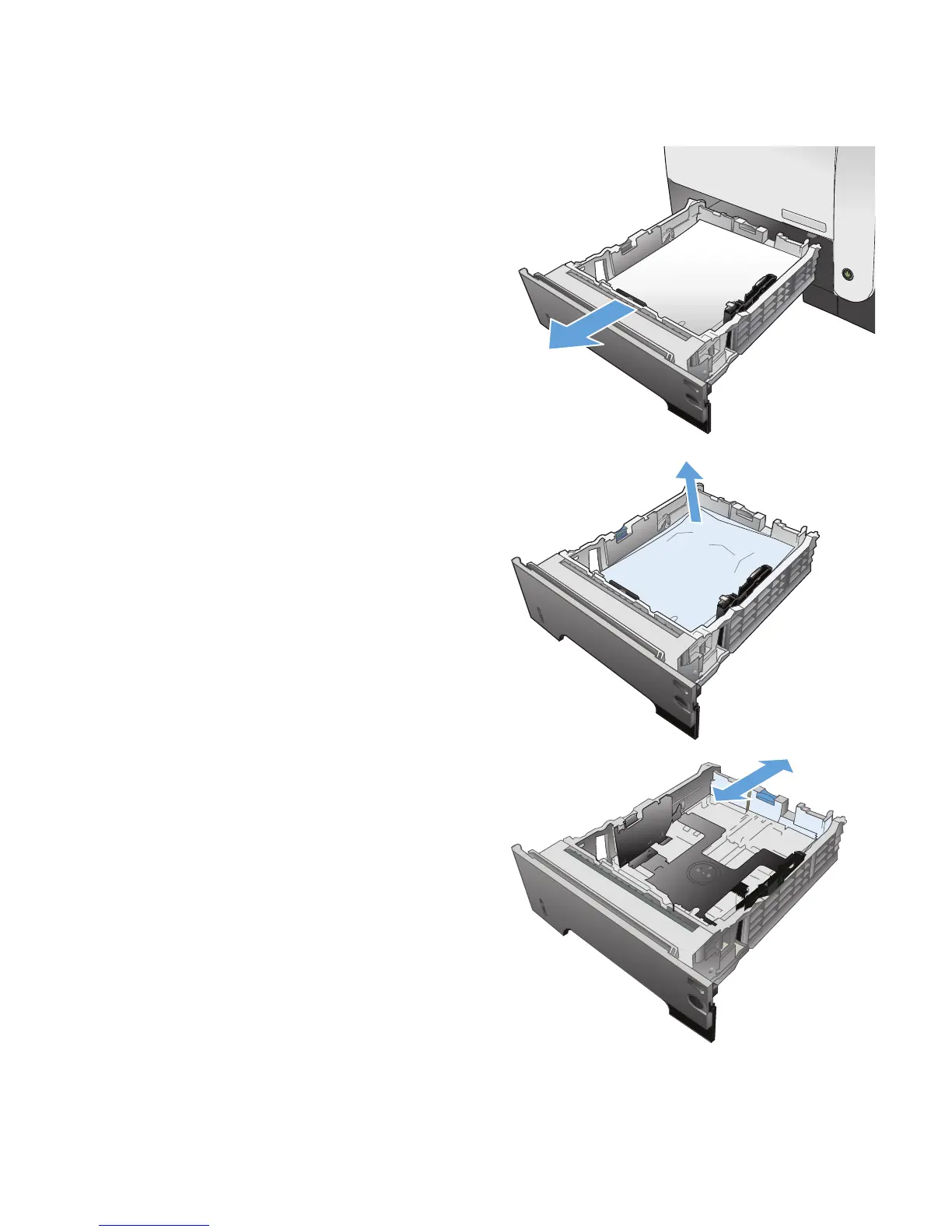
Clear jams in Tray 2 or optional Tray 3
1. Remove the tray from the product.
2. Remove the paper from the tray, and discard
any damaged paper.
3. Verify that the rear paper guide is adjusted to
the indentation for the correct paper size. If
necessary, pinch the release and move the
rear paper guide to the correct position. It
should click into place.
ENWW
Clear jams
173








 To Next Page