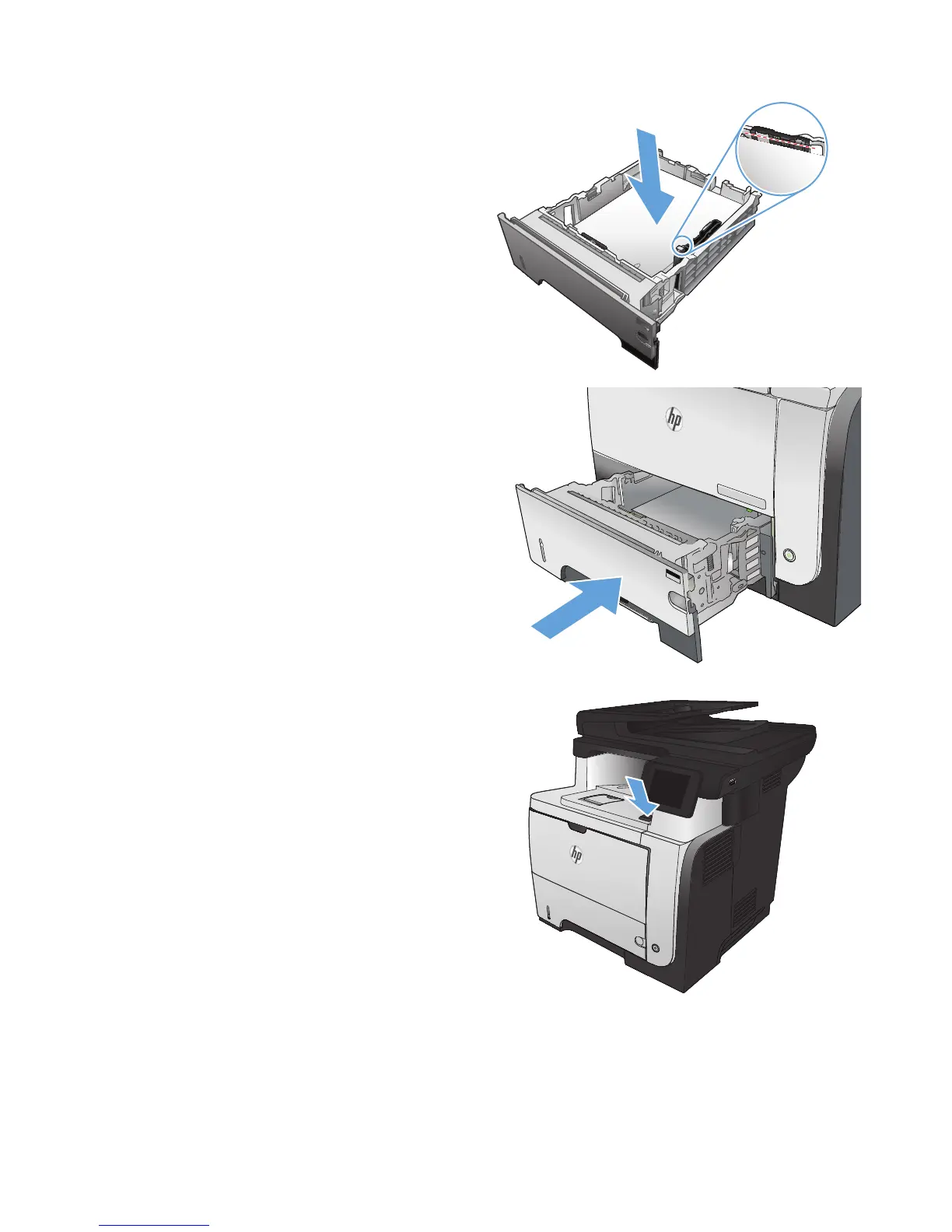
4. Load the paper into the tray. Make sure that
the stack is flat at all four corners and that the
top of the stack is below the maximum-height
indicators.
5. Reinsert and close the tray.
2
1
2
2
6. Press the front-door-release button.
2
174 Chapter 9 Solve problems ENWW








 To Next Page