Replace the toner cartridge
CAUTION: If toner gets on clothing, wipe it off by using a dry cloth and wash the clothes in cold
water. Hot water sets toner into fabric.
NOTE: Information about recycling used toner cartridges is on the toner-cartridge box.
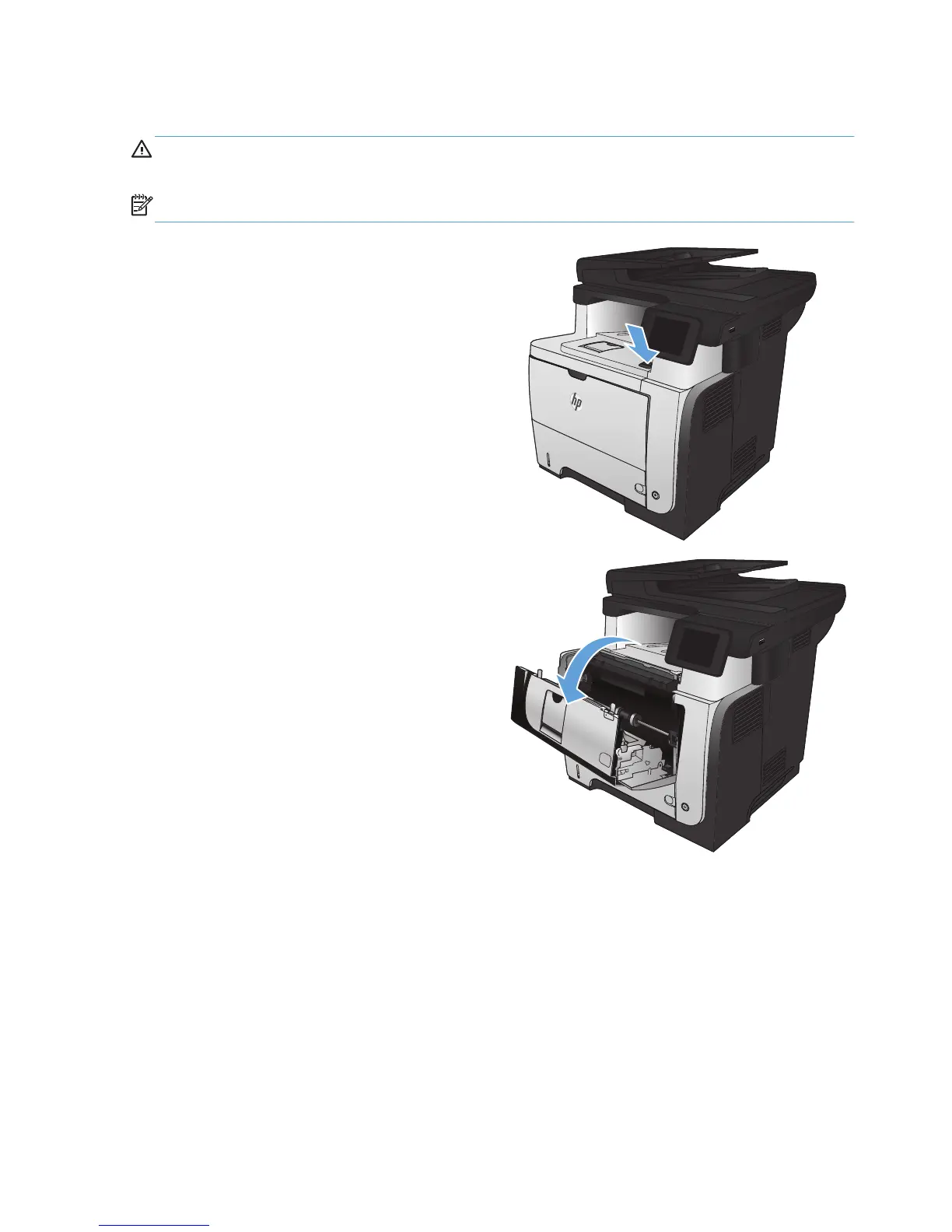
1. Press the front-door-release button.
2
2. Open the front door.
2
1








 To Next Page