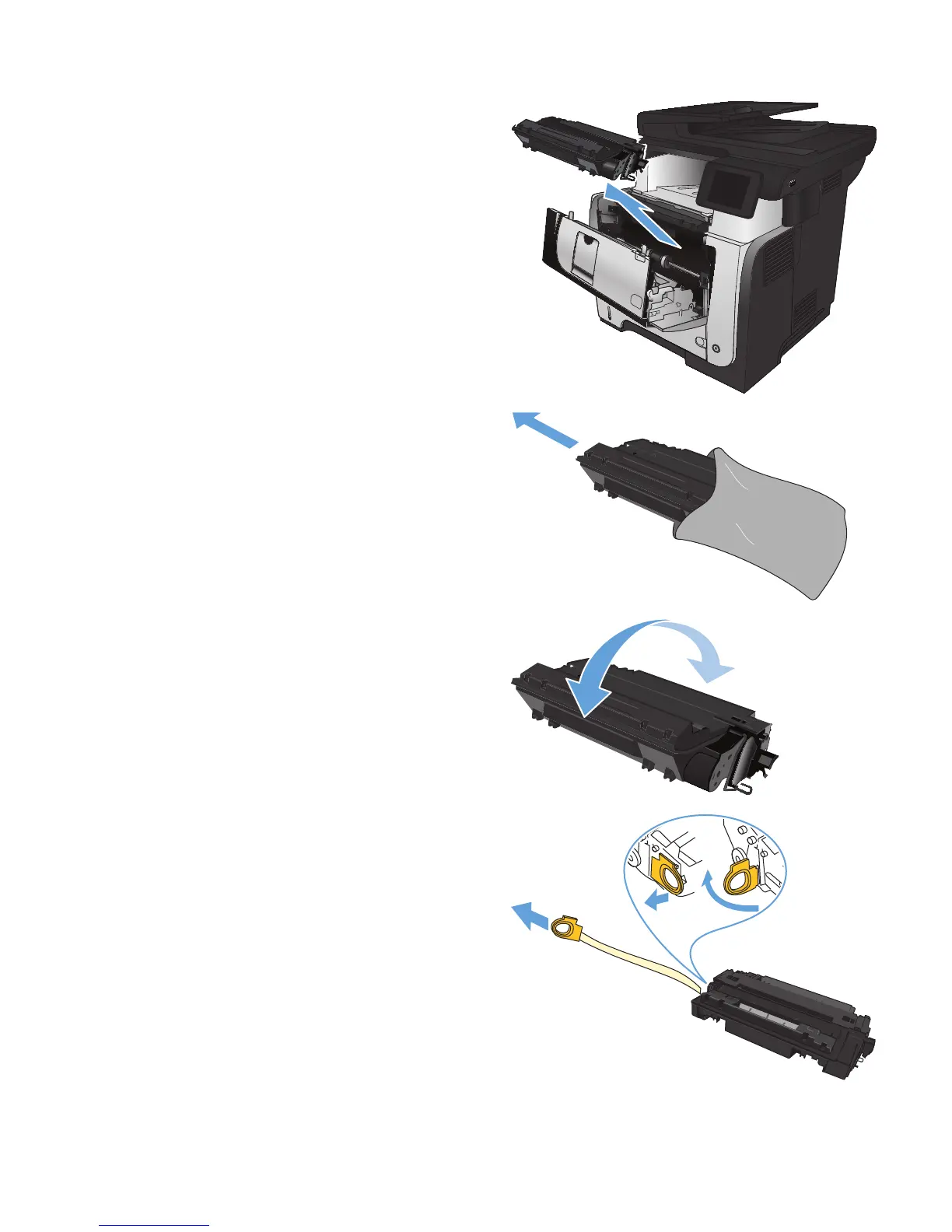
3. Remove the used toner cartridge from the
product.
2
1
4. Remove the new toner cartridge from the bag.
Place the used toner cartridge in the bag for
recycling.
5. Grasp the front and back of the toner
cartridge, and distribute the toner by gently
rocking the toner cartridge five or six times.
CAUTION: Do not touch the shutter or the
surface of the roller.
6. Remove the sealing tape from the new toner
cartridge. Recycle the tape with the used toner
cartridge.
ENWW
Toner cartridge
37








 To Next Page