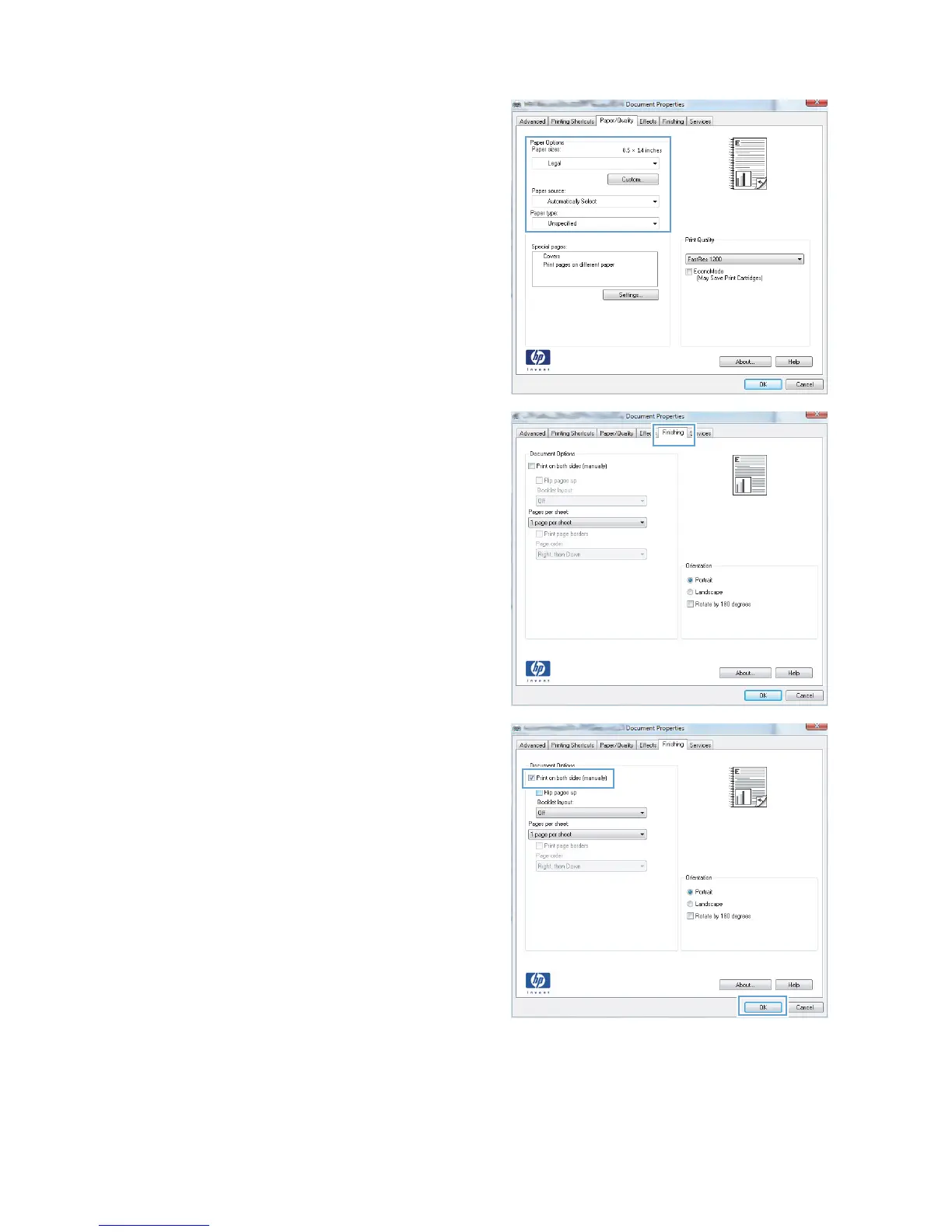
10. Select the appropriate paper size for your
document, and select the type of paper you
are using. In the Paper source drop-down
list, select the Manual Feed in Tray 1
option.
11. Click the Finishing tab.
12. Select the Print on both sides (manually)
check box. Click the OK button to print the
first side of the job.
ENWW
Print tasks (Windows)
55








 To Next Page