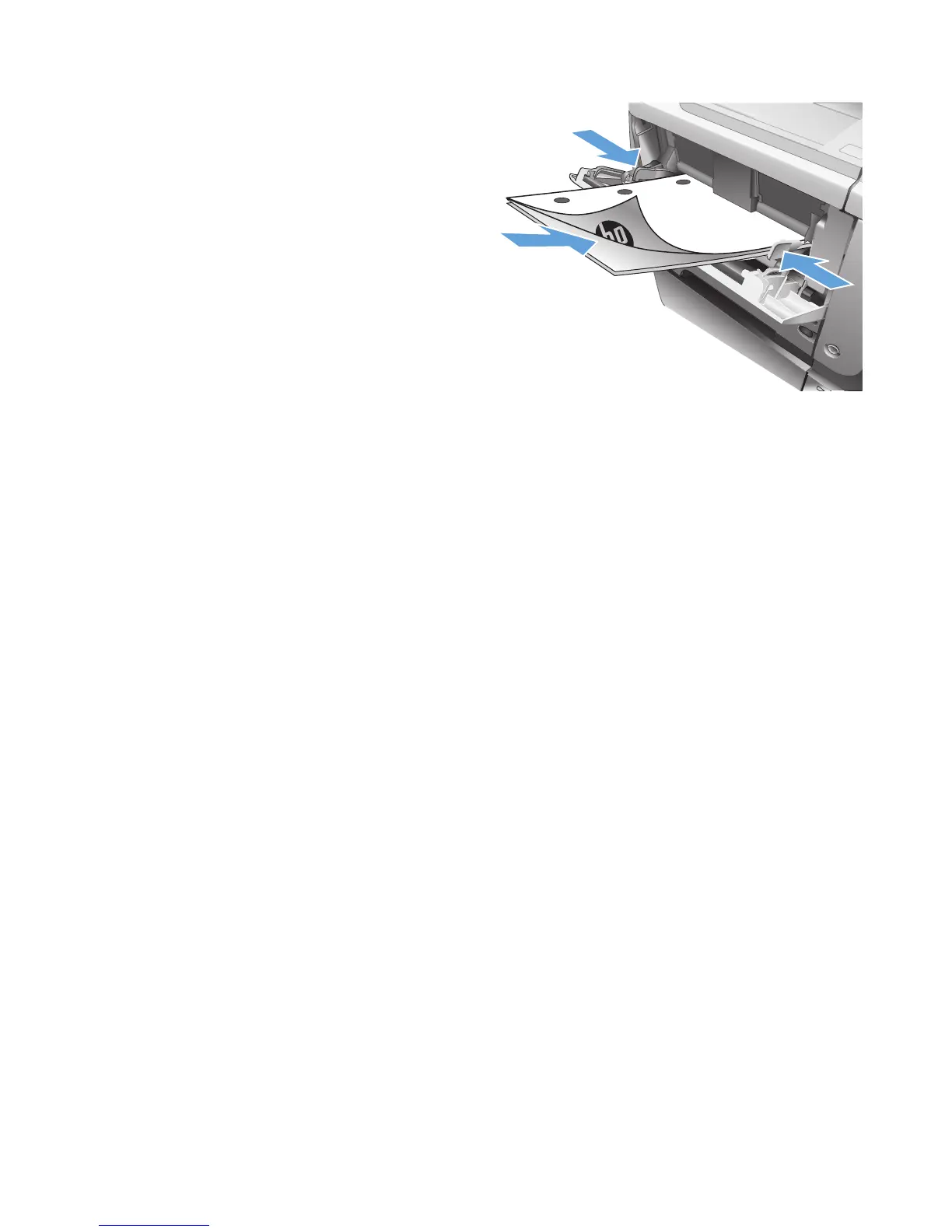
13. Retrieve the printed stack from the output bin,
and place it with the printed-side facing down
in Tray 1.
NOTE: Do not rotate or turn over the pages.
14. If prompted, touch the appropriate control
panel button to continue.
56 Chapter 4 Print ENWW








 To Next Page