Scan FFC cable
Before proceeding, remove the following components:
●
Scan bezel. See
Scan bezel on page 82.
●
Scan drive system. See
Scan drive system on page 84.
NOTE: The photos in the following procedure are of a model that has a document feeder. Other models
might look slightly different, but the procedure is the same.
CAUTION: Perform these procedures in a dust-free environment.
CAUTION: The components inside of the scan assembly are not captive when the bezel is removed.
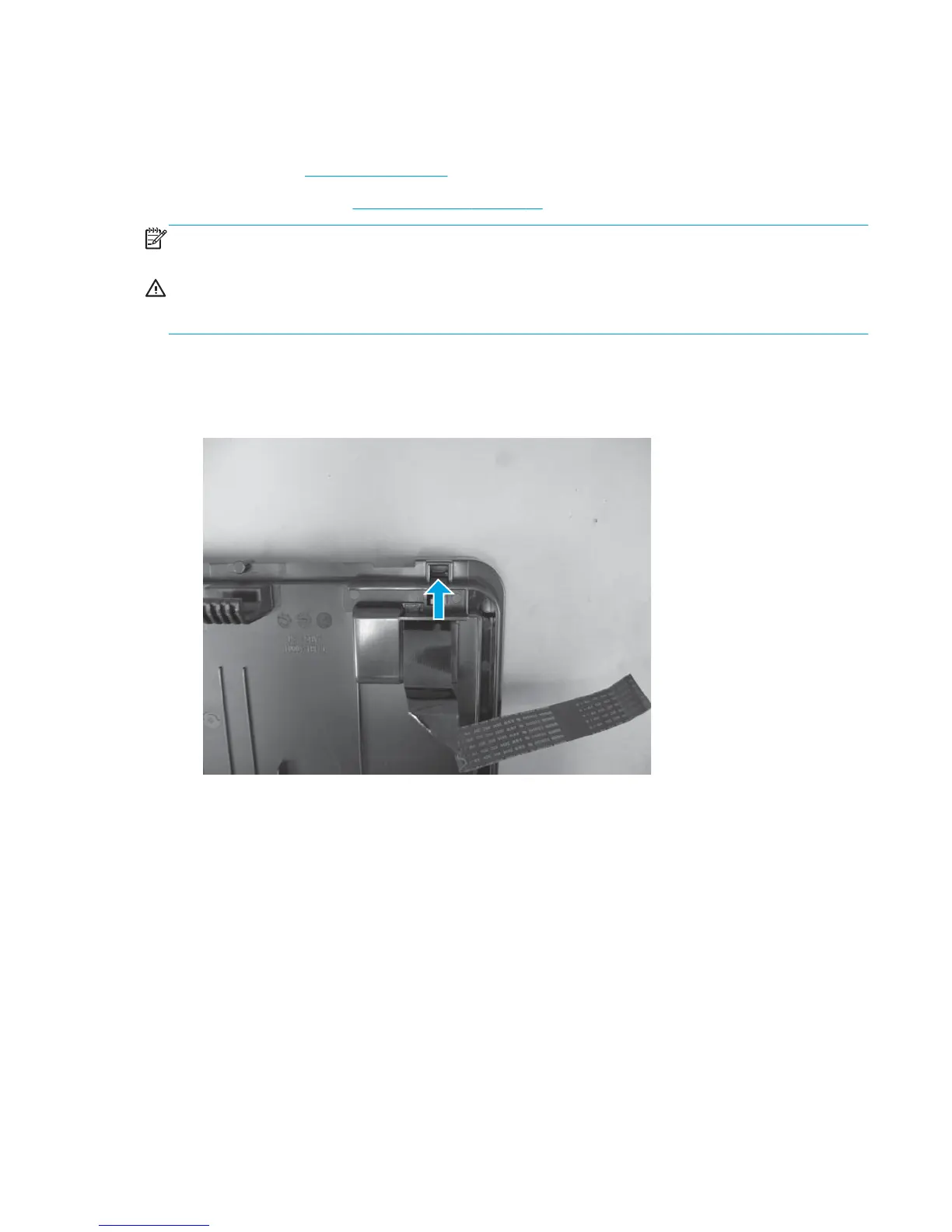
Remove the scan FFC cable
1. From the bottom of the scan assembly, push the tab on the FFC cover through the opening.
Figure 1-121 Remove the scan FFC cable (1 of 3)
ENWW Removal and replacement procedures 85



 To Next Page