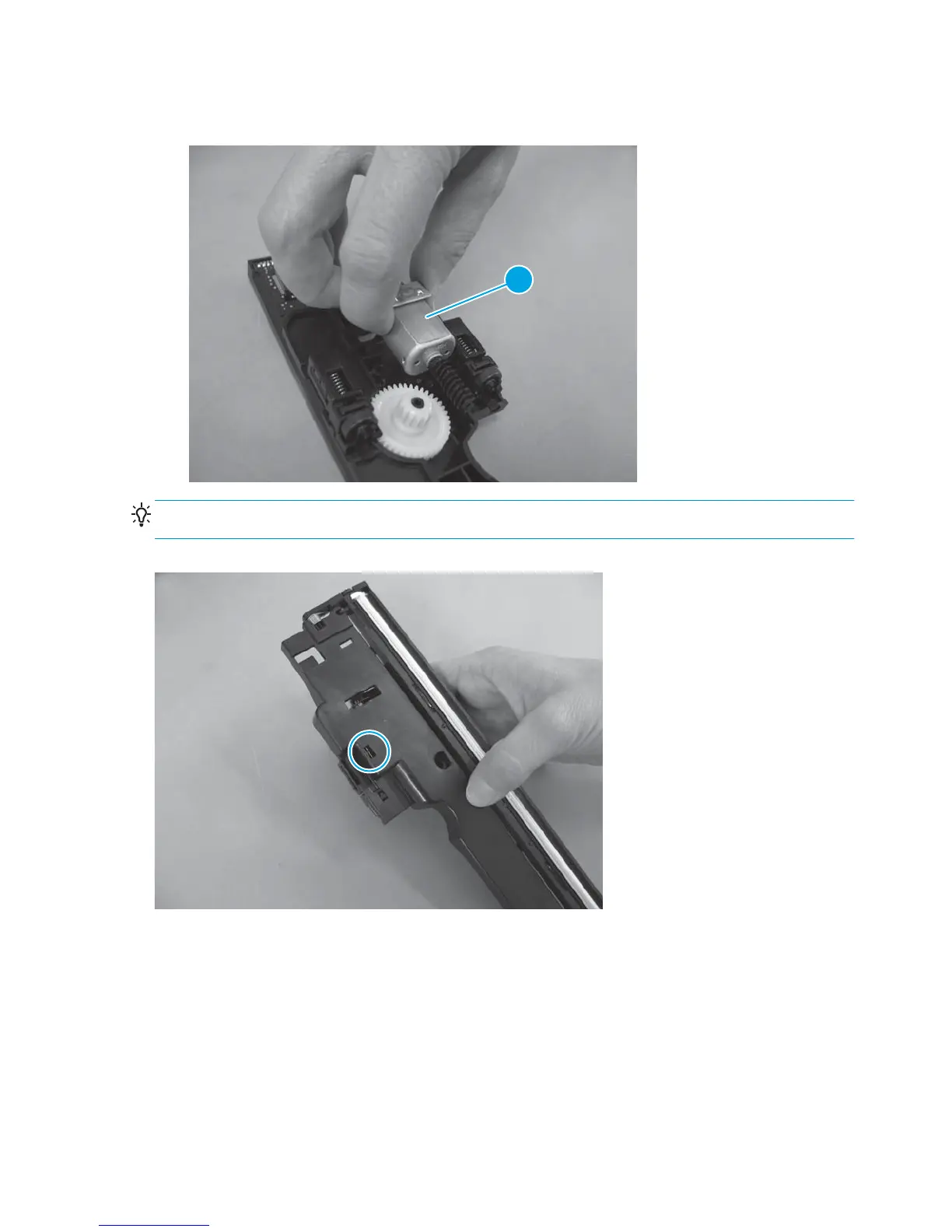
2. Pull the motor straight up to remove it (callout 1).
Figure 1-125 Remove the scan motor (2 of 2)
1
Reinstallation tip When reinstalling the scan motor, position the metal bracket so the tab is visible in the
notch on the opposite side of the scan drive system.
Figure 1-126 Reinstall the scan motor
88 Chapter 1 Removal and replacement ENWW



 To Next Page