Paper pickup roller
Remove the following components:
●
Dust cover, input tray, and extension tray. See
Dust cover, input tray, and extension tray on page 9.
●
Separation pad assembly. See
Separation pad assembly on page 11.
●
Base plate assembly. See
Base plate assembly on page 78.
Remove the pickup roller assembly
▲
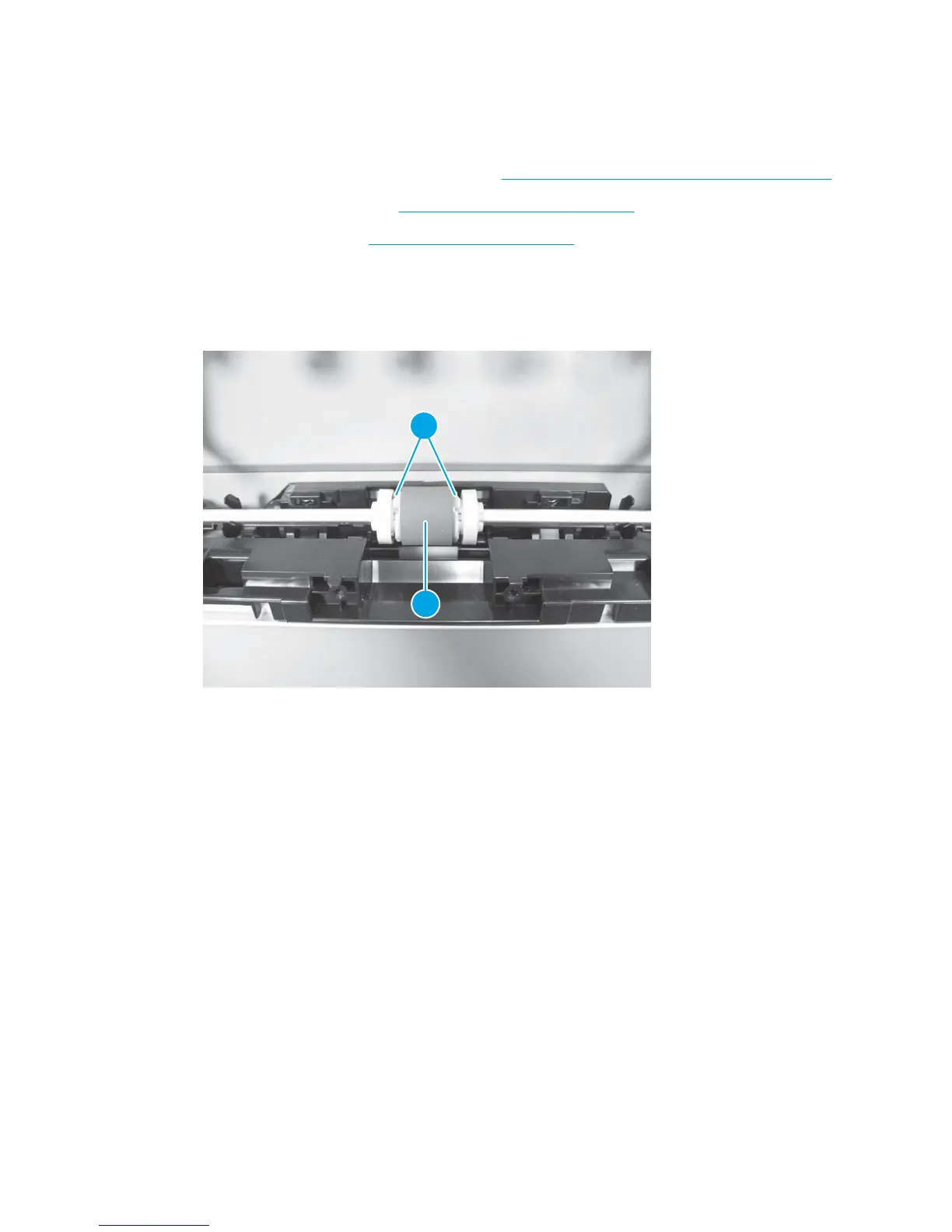
Release two tabs (callout 1) and remove the pickup roller (callout 2).
Figure 1-115 Remove the pickup roller assembly
2
1
ENWW Removal and replacement procedures 79



 To Next Page