Scanner and document feeder components
This section describes replacement and removal of individual scanner and document feeder components.
Before proceeding, remove the following components:
●
M177 model: Document feeder, scanner, and flat cable cover. See
Document feeder, scanner, and flat
cable cover (M177 model only) on page 14.
●
M176 model: Scanner and flat cable cover. See
Scanner and flat cable cover (M176 model only)
on page 16.
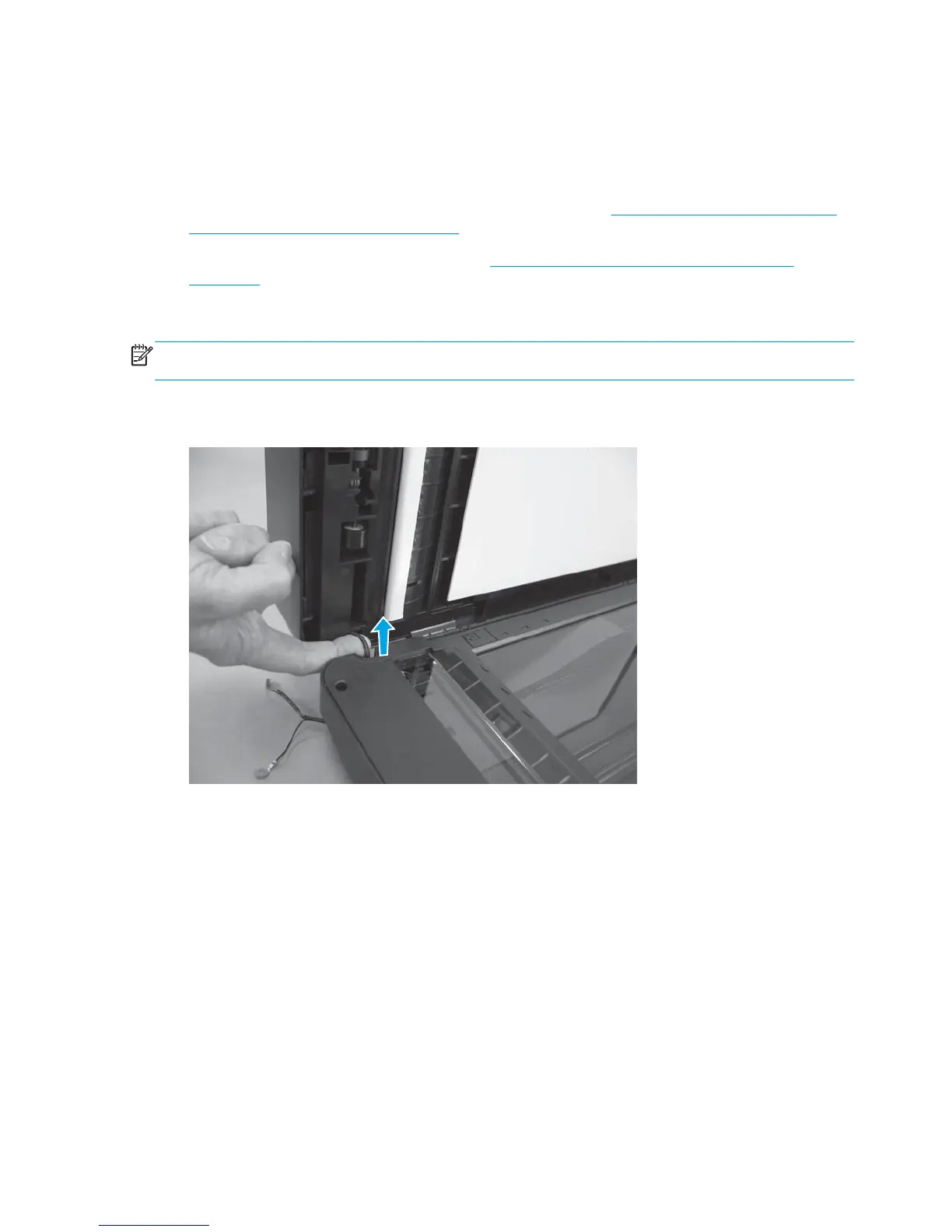
Separate the scanner lid or document feeder from the scan base
NOTE: The photos in the following procedure are of a model that has a document feeder. Other models
might look slightly different, but the procedure is the same.
1. Document feeder models only: Pull the document-feeder cable through the opening.
Figure 1-116 Separate the scanner lid or document feeder from the scan base (1 of 2)
80 Chapter 1 Removal and replacement ENWW



 To Next Page