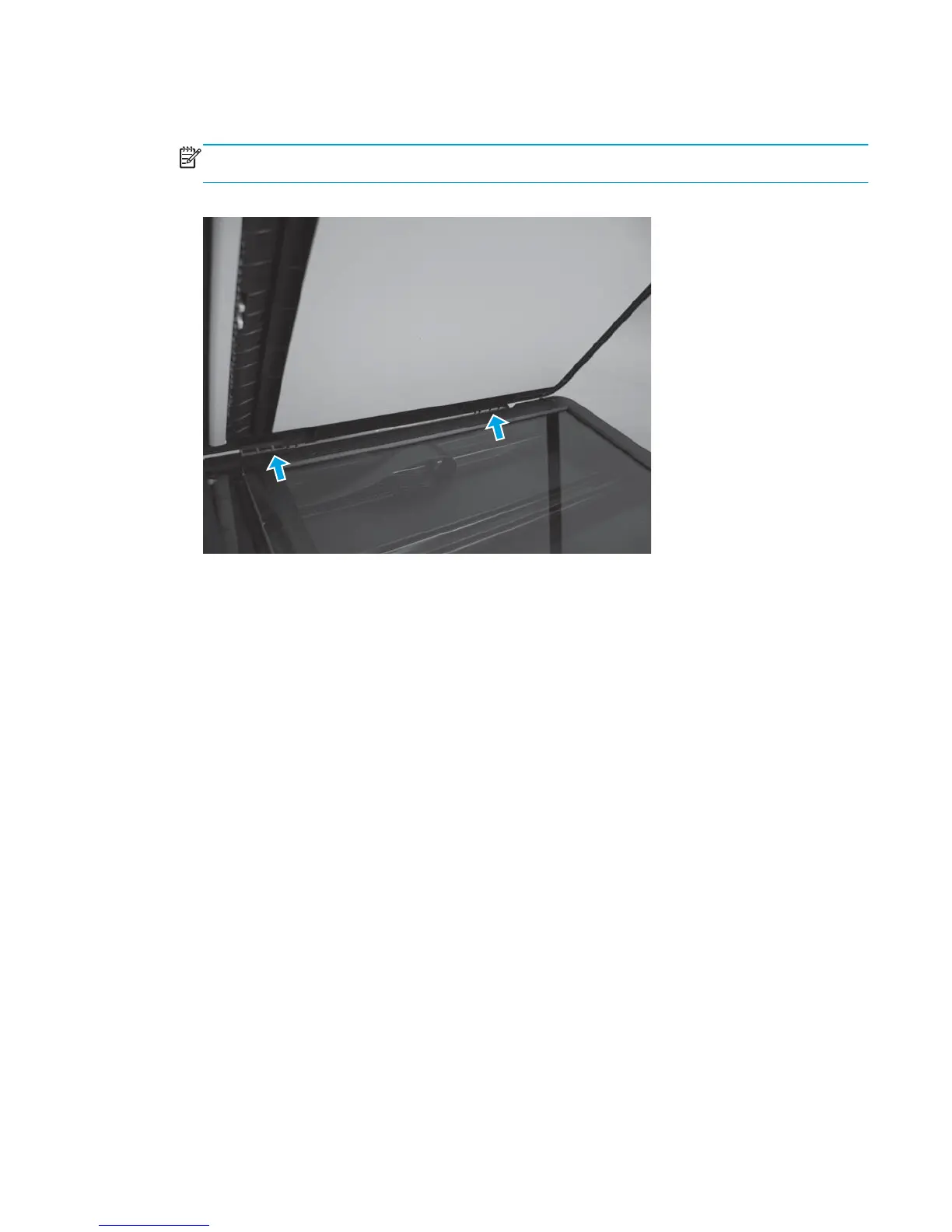
2. Open the scanner lid or document feeder, and tilt it slightly forward. Push down and back on each of the
two hinges to release them.
NOTE: This step requires some force, but it is easier to first tilt the scanner lid or document feeder
forward.
Figure 1-117 Separate the scanner lid or document feeder from the scan base (2 of 2)
ENWW Removal and replacement procedures 81



 To Next Page