such as a smartphone, even when the
computer is off with OSD Performance mode
on
Connects optional powered stereo speakers,
headphones, earbuds, a headset, or
a television audio cable.
Press to open the OSD menu.
When the OSD menu is open, press the buttons
to navigate through the menu.
Turns the monitor on or off.
Connects an optional security cable.
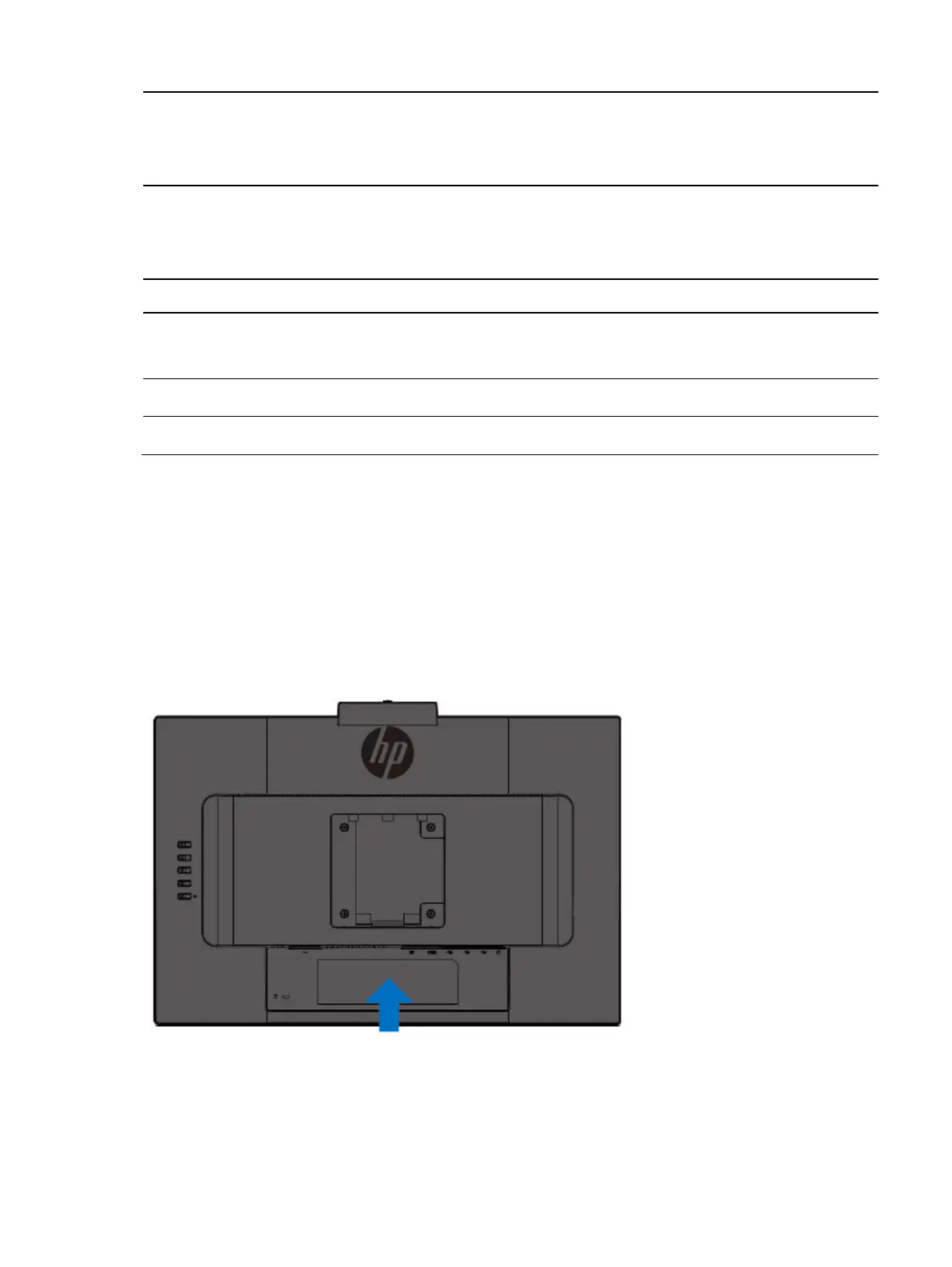
Locating the serial number and product number
Depending on the product, the serial number and product number are located on a label on the rear of the monitor or
on a label under the front bezel of the monitor head. You might need these numbers when contacting HP about the
monitor.
For worldwide models (except India):
Barcode label and spec label


 To Next Page