Click Apply to keep changes. When you click the Apply button, a confirmation dialog appears. Click
the Yes button to continue.
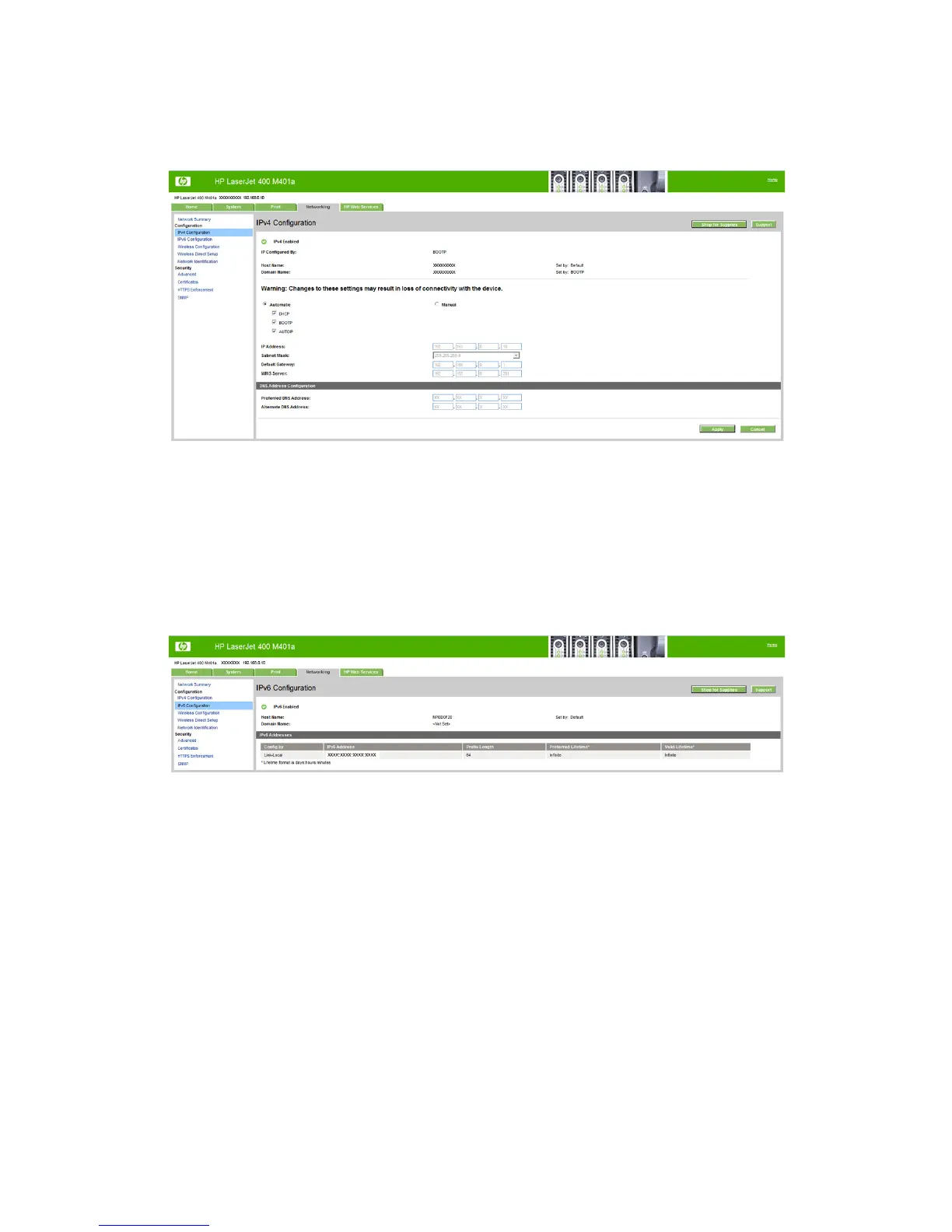
Figure 2-35 HP Device Toolbox, Networking tab – IPv4 Configuration page
IPv6 Configuration
The IPv6 Configuration page shows the status of the IPv6 network configuration settings. This page
is read-only and no settings can be modified here.
Up to seven IPv6 addresses can be shown on this page, depending upon the automatic configuration of
the networking firmware. All available IPv6 addresses are shown.
Figure 2-36 HP Device Toolbox, Networking tab – IPv6 Configuration page
ENWW
HP LaserJet software components for Windows
69



 To Next Page