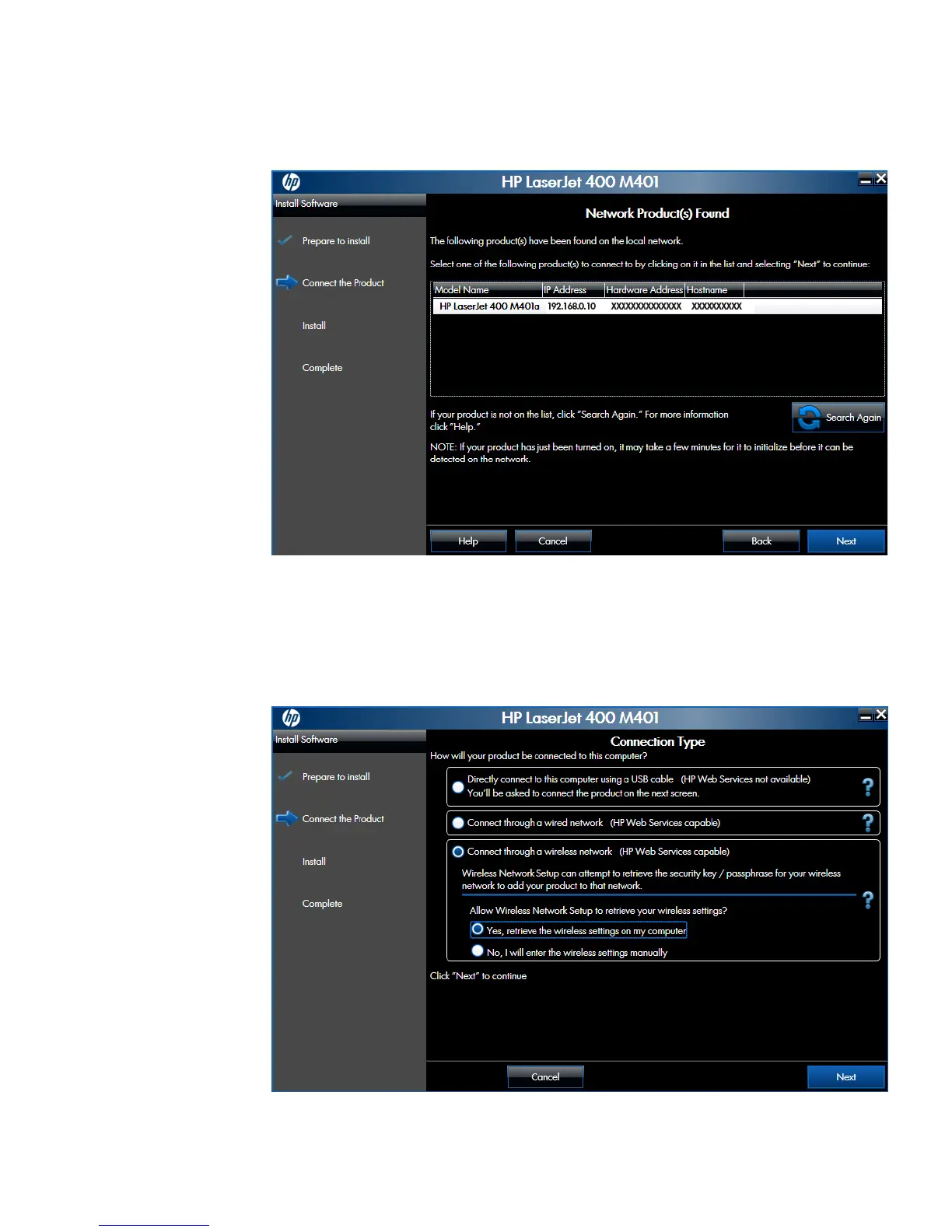
e. The Network Product(s) Found screen displays a list of products. Select the product
to install and then click the Next button
Figure 2-56 Software installation — Network Product(s) Found screen
●
For wireless network connected products, follow these steps:
a. Select the Connect through a wireless network option, and then click the Next
button.
Figure 2-57 Software installation — Connection Type screen for wireless connected
installation
ENWW
Detailed Windows installation instructions
81



 To Next Page