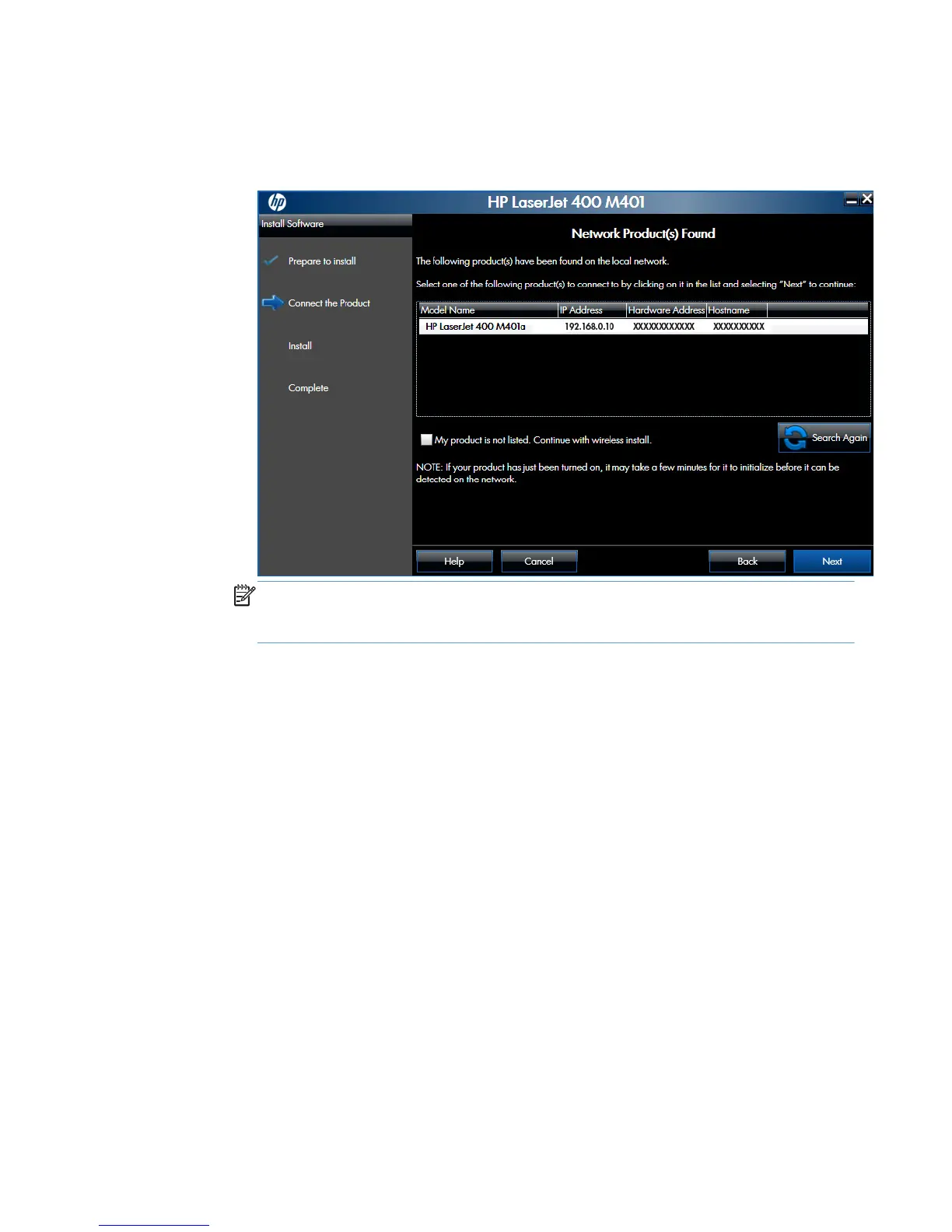
b. In the Network Product(s) Found screen, select the correct network, and then click
the Next button.
Figure 2-58 Software installation — Network Product(s) Found screen for wireless
connected installation
NOTE: If the correct network does not appear, click the Search Again button, or
click the I do not see my wireless network. I will specify it manually. check
box and manually enter the network information.
82 Chapter 2 Windows software description and installation ENWW



 To Next Page