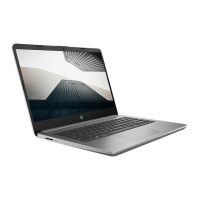
Display components
Component Description
(1) Internal display switch Turns off the display if the display is closed while the
power is on.
(2) Webcam light On: The webcam is in use.
(3) Webcam Captures still photographs and videos.
NOTE: To capture videos, you must install additional
webcam software.
(4) Internal microphone Records sound.
Identifying the hardware 7


 To Next Page
 Loading...