1 Hardware features
Identifying the hardware
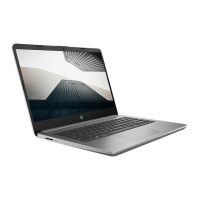
Components included with the computer may vary by region and model. The illustrations in this chapter
identify the standard features on most computer models.
To see a list of hardware installed in the computer:
1. Select Start > Control panel > System and Security.
2. In the System area, click Device Manager.
You can also add hardware or modify device configurations using Device Manager.
Top components
TouchPad
Component Description
(1) TouchPad* Moves the pointer and selects or activates items on the
screen.
(2) Left TouchPad button* Functions like the left button on an external mouse.
Identifying the hardware 1



 To Next Page
 Loading...