2 Networking (select models only)
Your computer supports two types of Internet access:
●
Wireless—Refer to
Creating a wireless connection on page 2.
●
Wired—Refer to
Connecting to a wired network on page 8.
NOTE: You must set up Internet service before you can connect to the Internet.
Creating a wireless connection
Your computer may be equipped with one or more of the following wireless devices:
●
Wireless local area network (WLAN) device
●
HP Mobile Broadband Module (wireless wide area network (WWAN))
●
Bluetooth® device
For more information on wireless technology, refer to the information and Web site links provided in
Help and Support.
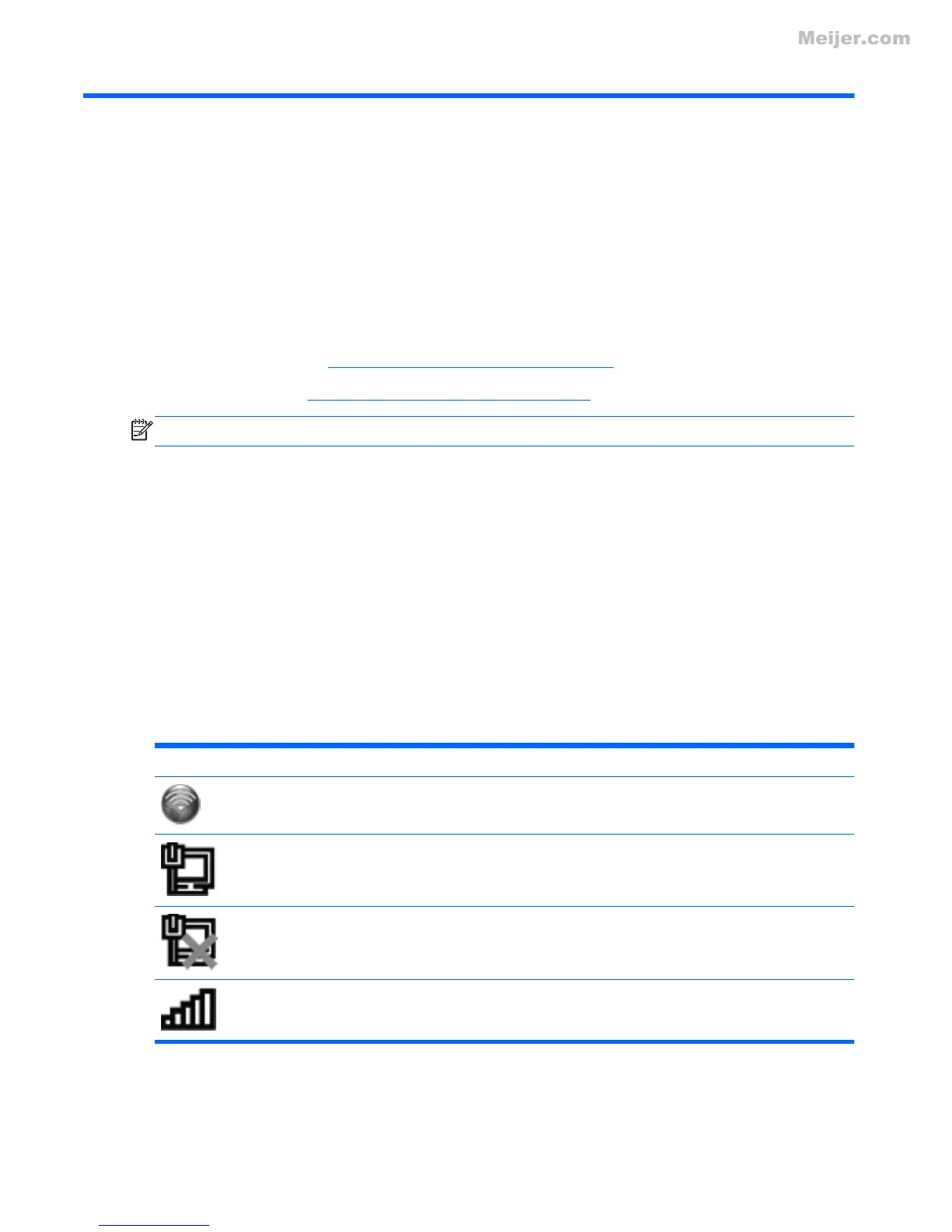
Identifying wireless and network status icons
Icon Name Description
HP Connection Manager Opens HP Connection Manager, which enables you to create and manage
WLAN, WWAN (select models only), and Bluetooth connections.
Wired network (connected) Indicates that one or more network devices are connected to the network.
Network (disabled/
disconnected)
Indicates that all network devices are disabled in Windows Control Panel.
Network (connected) Indicates that one or more wireless network devices are connected to a
wireless network.
2 Chapter 2 Networking (select models only)










 To Next Page