Understand supported media types and weights
Location
Type Weight Capacity
Input tray Paper 60 to 105 g/m
2
(16 to 28 lb bond)
Up to 150 sheets of plain
paper
(15 mm or 0.59 inch
stacked)
Transparencies Up to 55 sheets
(15 mm or 0.59 inch
stacked)
Photo media 280 g/m
2
(75 lb bond)
Up to 40 sheets
(12 mm or 0.47 inch
stacked)
Labels Up to 40 sheets
(8 mm or 0.31 inch
stacked)
Envelopes 75 to 90 g/m
2
(20 to 24 lb bond
envelope)
Up to 15 sheets
(8 mm or 0.31 inch
stacked)
Cards Up to 200 g/m
2
(110 lb index)
Up to 40 cards
(8 mm or 0.31 inch
stacked)
Output tray All supported media Up to 100 sheets of plain
paper (text printing)
Automatic
Document
Feeder
Paper 60 to 75 g/m
2
(16 to 20 lb
bond)
35 sheets
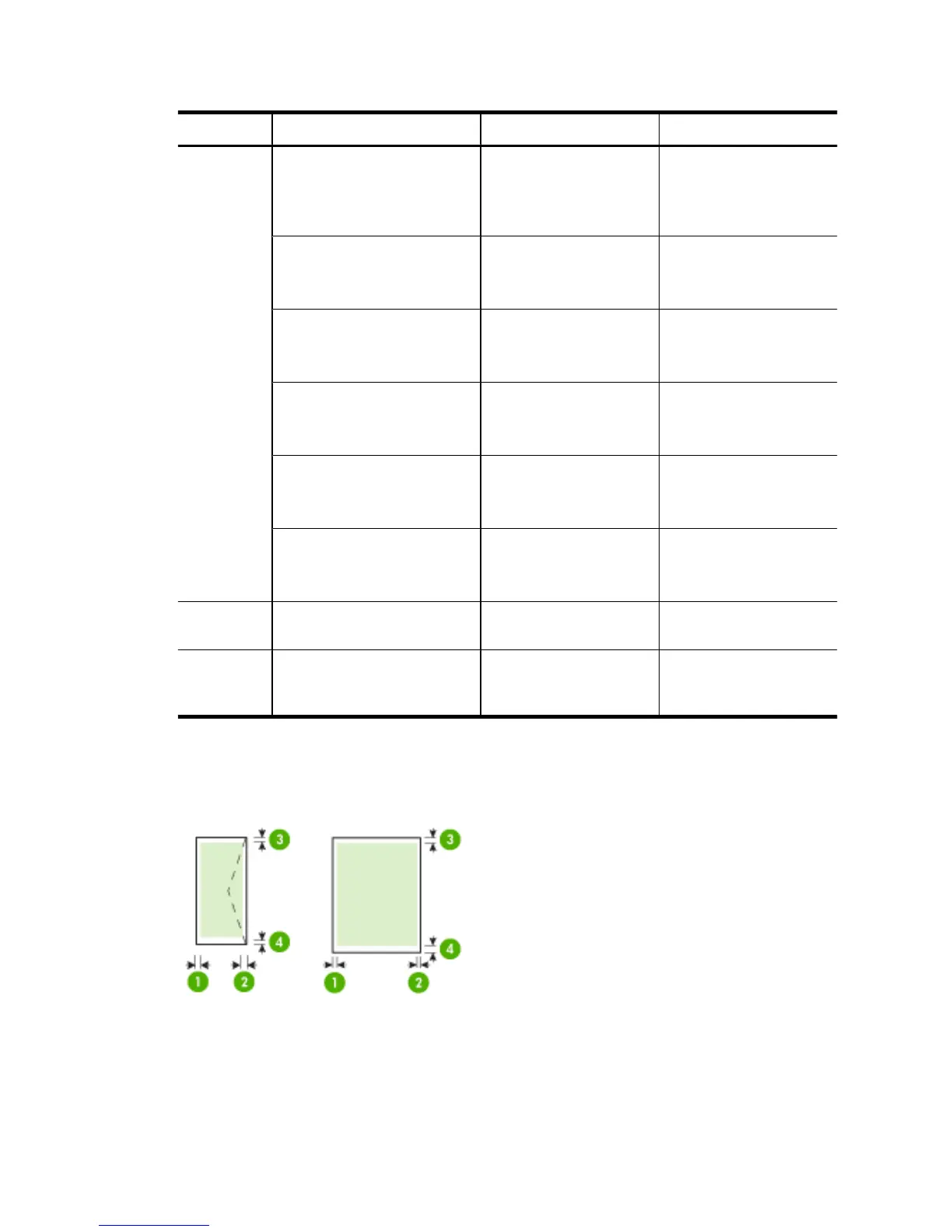
Set minimum margins
The document margins must match (or exceed) these margin settings in portrait orientation.
Appendix A
176 Technical information



 To Next Page