2Print
Most print settings are automatically handled by the software application. Change the
settings manually only when you want to change print quality, print on specific types of
paper, or use special features. For more information about selecting the best print media
for your documents, see
Select print media.
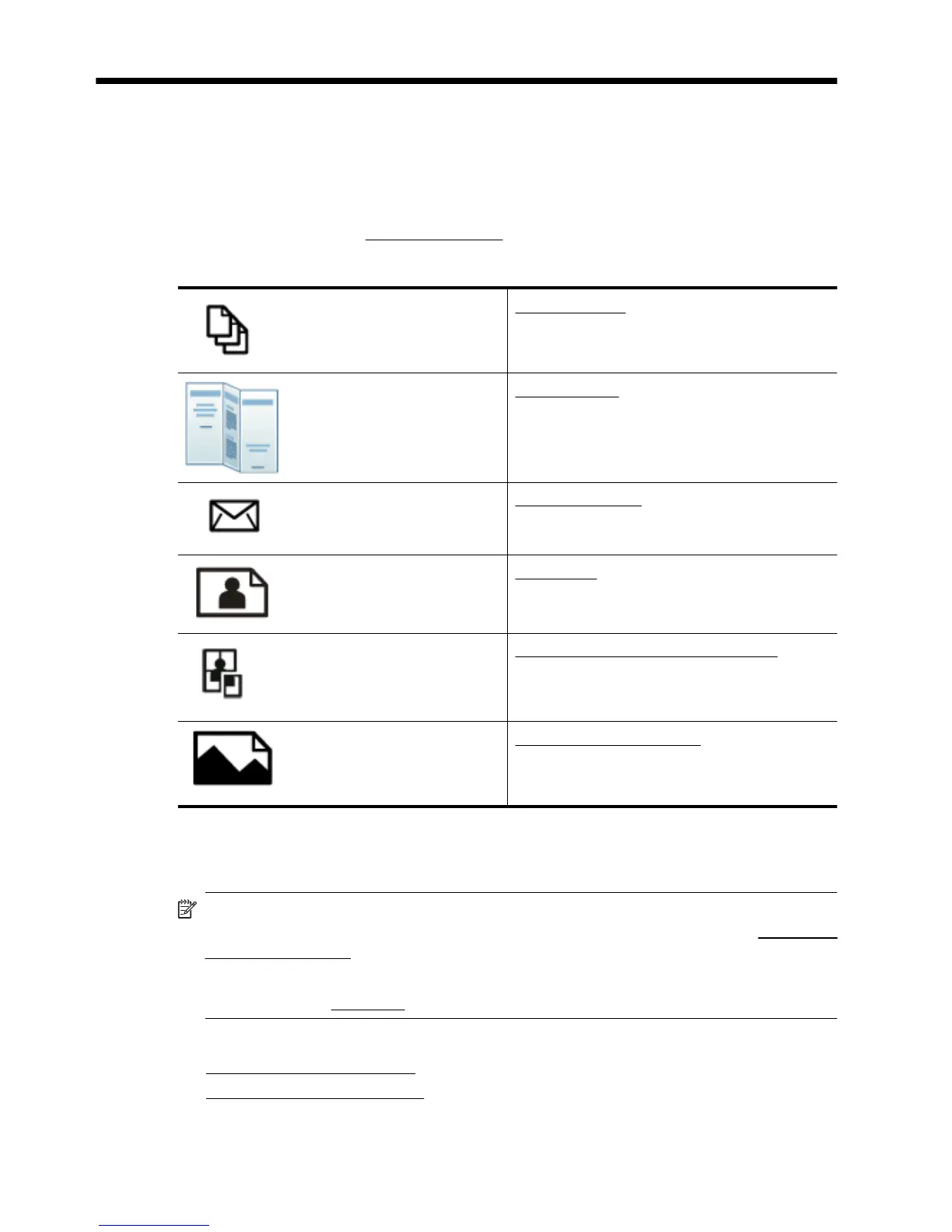
Choose a print job to continue:
Print documents
Print brochures
Print on envelopes
Print photos
Print on special and custom-size paper
Print borderless documents
Print documents
NOTE: With certain types of paper, you can print on both sides of a sheet of paper
(called “two-sided printing” or “duplex printing”). For more information, see
Two-sided
printing (duplexing).
NOTE: You can print from anywhere by using HP's ePrint feature. For more
information, see
HP ePrint.
Follow the instructions for your operating system.
•
Print documents (Windows)
•
Print documents (Mac OS X)
32 Print



 To Next Page