get help
2
hp officejet d series
Troubleshooting help To access troubleshooting information, go to the Director,
click Help, then choose Troubleshooting. Troubleshooting is
also available via the Help button that appears on some error
messages.
X
Internet help and
technical support
If you have Internet access, you can get help from the
HP website at:
www.officejetsupport.com
The website also provides answers to frequently-asked
questions.
XX
Readme file After you install your software, you can access the Readme
file from either the HP OfficeJet D Series CD-ROM or the
HP OfficeJet D Series program folder. To access the Readme
file, do the following:
For Windows: go to the Windows taskbar, click Start, point
to Programs, point to Hewlett-Packard, point to HP OfficeJet
DSeries, and then choose View the Readme File.
For Macintosh: go to the
HD:Applications:HP OfficeJet Software folder.
XX
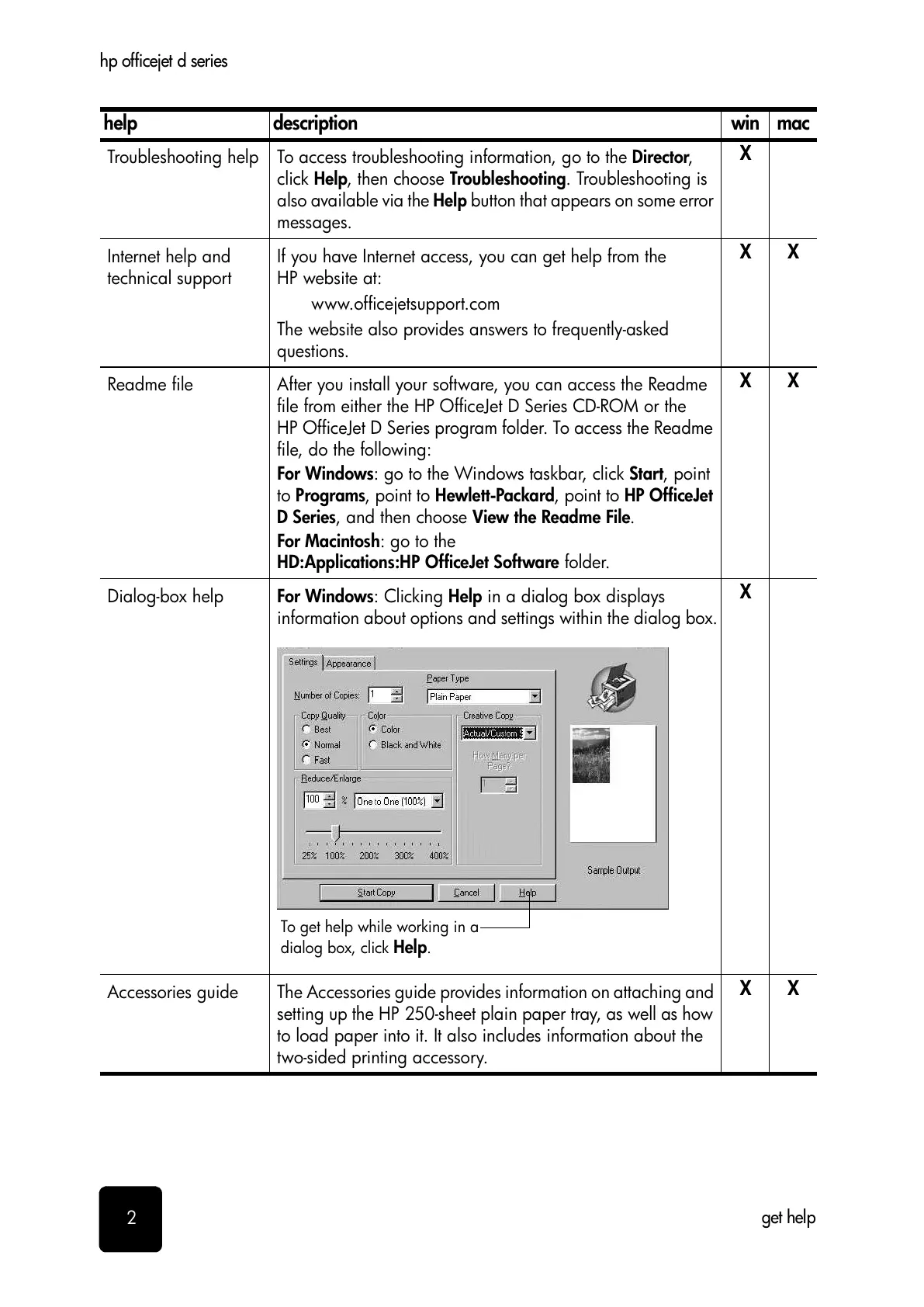
Dialog-box help For Windows: Clicking Help in a dialog box displays
information about options and settings within the dialog box.
X
Accessories guide The Accessories guide provides information on attaching and
setting up the HP 250-sheet plain paper tray, as well as how
to load paper into it. It also includes information about the
two-sided printing accessory.
XX
help description win mac
To get help while working in a
dialog box, click
Help
.



 To Next Page
 Loading...