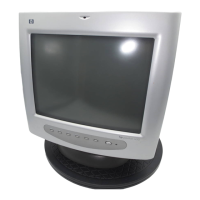
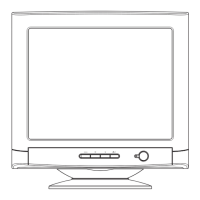
hp pavilion f50/f70 LCD Monitor
How to Install the Drivers
20 English
Windows Me Users
NOTE: The procedure for installing the driver for your operating
system may vary.
To install the driver for the f50 or f70 monitor:
1 Click Start, select Settings, and then click Control Panel.
2 Click Display.
3 Select the Settings tab.
4 Click the Advanced button.
5 Select the Monitor tab.
6 Click the Change button.
7 Select the Specify a Location box.
8 Find and open the f50.inf (f50 15-inch) or the f70.inf (f70
17-inch) file on the CD-ROM disc in the Drivers directory, and
click OK.
9 Click Next to install the selected monitor.
Windows XP Users
NOTE: The procedure for installing the driver for your operating
system may vary.
To install the driver for the f50 or f70 monitor:
1 Click Start.
2 Click Control Panel.
3 Click Appearance and Themes.
4 Click Display.
5 Select the Settings tab.
6 Click the Advanced button.
7 Select the Monitor tab.
8 Click Properties.
9 Select the Driver tab.
10 Click Update Driver and click Next.
11 Select the recommended option and then click Next.
12 Select the Specify a Location box.



 To Next Page
 Loading...