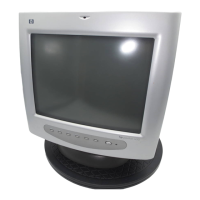
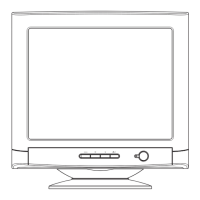
hp pavilion f50/f70 LCD Monitor
Using the Monitor
30 English
OSD settings
To change OSD settings:
1 Open the OSD setting screen. See “Using Display Manager” on
page 24. Five options appear: Protected OSD, OSD Timeout,
Inform On/Off, H Position, and V Position.
2 Press the Browse buttons to select the option you want to adjust.
3 Press the Select button to display its setting screen.
NOTE: Protected OSD is not available for use.
To adjust OSD Timeout:
You can set the OSD (Display Manager) screen to turn off
automatically when you are not using it.
1 Press the Browse buttons to select how long the Display Manager
screen appears before automatically turning off. The setting is
automatically saved as you adjust it.
2 Press the Menu button to exit the setting screen.
To adjust Inform On/Off:
Turning Inform on displays the chosen resolution and refresh rate for
three seconds, whenever you change them. Turning Inform off
prevents this information from being displayed.
1 Press the Browse buttons to select On or Off. The setting is
automatically saved as you adjust it.
2 Press the Menu button to exit the setting screen.


 To Next Page
 Loading...