2-52 Printer-Specific Differences ENWW
Note HP-GL/2 as implemented in HP LaserJet printers has no mechanism
for parsing 2-byte characters. Therefore, HP-GL/2 character
transformations (e.g. SI and SR commands) cannot be applied to
these characters.
HP-GL/2 as implemented in HP LaserJet printers has no mechanism
for parsing 2-byte characters. Therefore, HP-GL/2 character
transformations (e.g. SI and SR commands) cannot be applied to
these characters.
Vertical Writing
Vertical writing can be accomplished using the vertical rotated (“-1”)
mode of the Character Text Path command (
?&c-1T). When using a
vertical rotated text path direction, full-width characters are rotated
and printed “on their sides.” All other characters are unaffected and
the CAP is still advanced in the horizontal direction. The “-1” mode
has the effect of transforming a portrait page with horizontal full-width
characters into a landscape page with vertical full-width characters.
This can be combined with the Print Direction command (
?&a#P) to
achieve the desired text orientation (e.g. portrait, landscape, reverse
portrait, or reverse landscape).
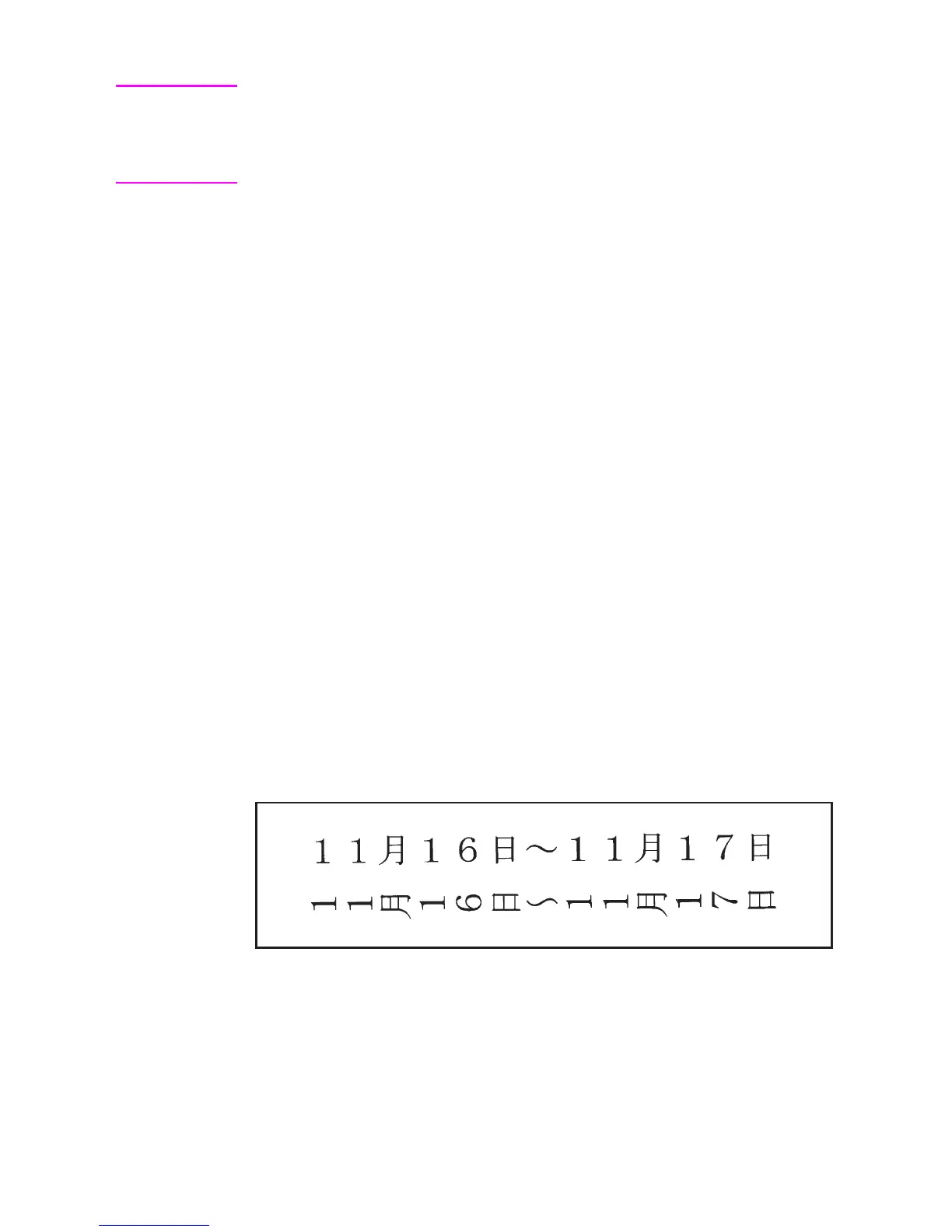
An example of horizontal and vertical rotated writing is shown below.
The first line of text is horizontal writing and the second line is vertical
rotated writing. Note that the “~” character is replaced with a vertical
substitute on the second line. The C program that follows was used to
generate the PCL commands for this example.













 To Next Page