ENWW Printer-Specific Differences 2-55
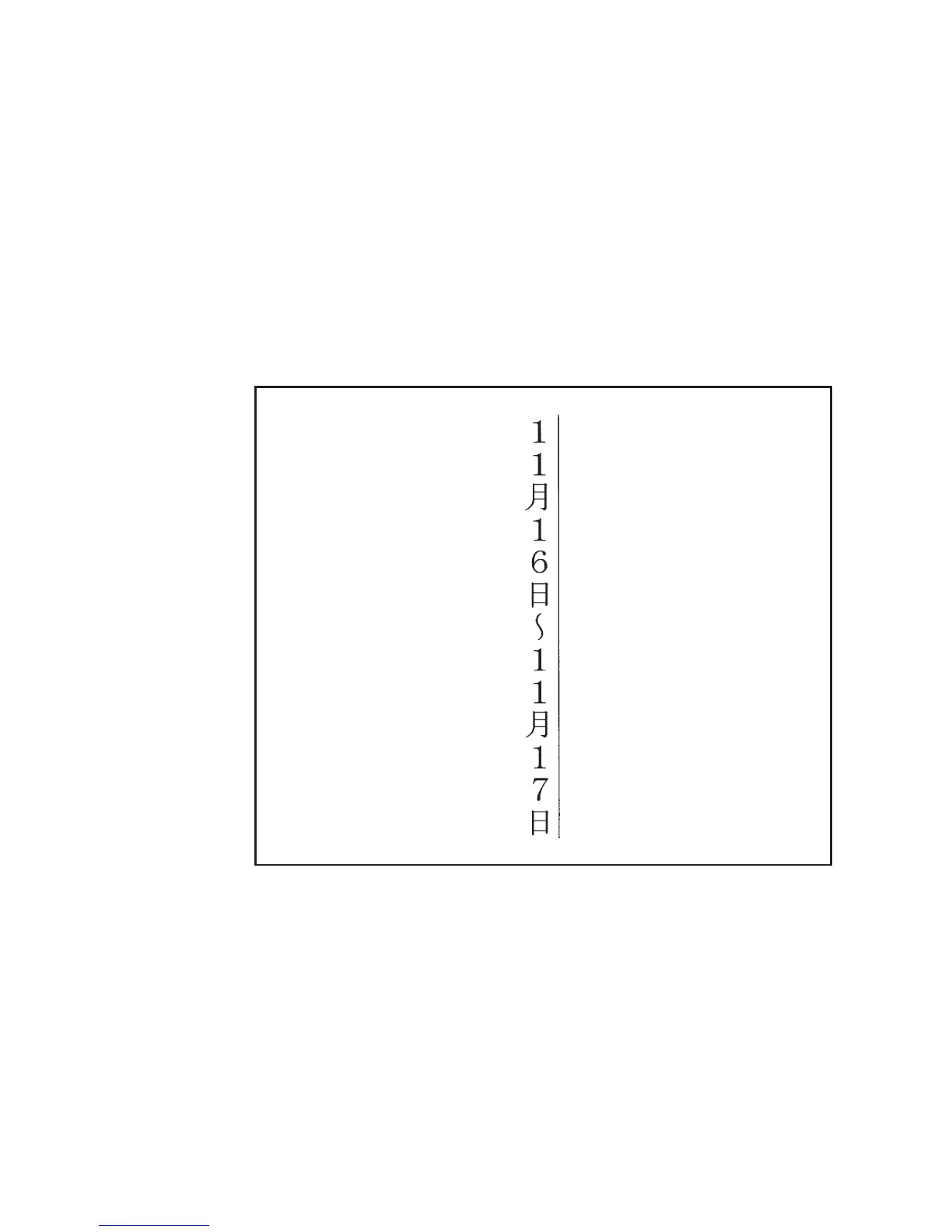
Vertical Underlining
In Japanese writing, vertical underlines are placed to the right of
vertical columns of text. This can be accomplished in PCL 5 using the
Fill Rectangular Area command.
An underline is simply a long thin black-filled box. The length of the
underline depends on the length of the text to be underlined.
An example of vertical underlining is shown below. The C program
that follows was used to generate the PCL commands for this
example.
#include <stdio.h>
#include <fcntl.h>
#define MONTH “\202P\202P\214\216"
#define DAY1 ”\202P\202U\223\372"
#define TILDE “\201\140"
#define DAY2 ”\202P\202V\223\372"
#define KANJITXT MONTH DAY1 TILDE MONTH DAY2
FILE *prn;
main()
{
int point_size=24;
prn = fopen(“lpt1",”wb"); /* open lpt1 for writing */













 To Next Page