2-44 Printer-Specific Differences ENWW
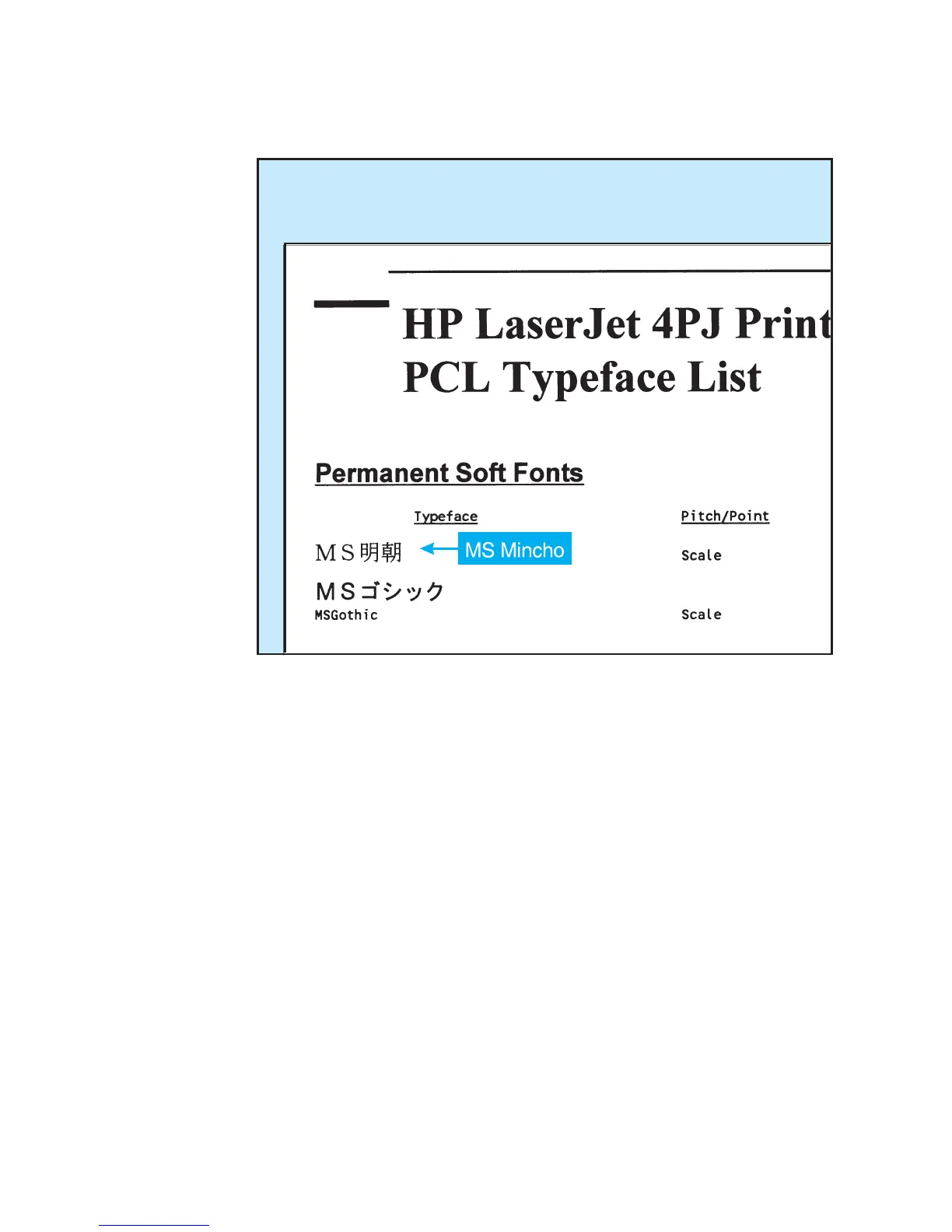
The following illustration shows how the PCL Typeface List would
look.
Vertical Rotation Segment
The Vertical Rotation Segment is used to define the lower boundary
of the rotation box used when the character text path direction is set
to vertical rotation. This is an optional segment which may be
downloaded with Font Format 16 TrueType fonts.
The following illustration shows an example of character rotation. The
boxes around each character represent the vertical rotation box. The
distance between the baseline and the bottom of the character box is
represented by the Descender value in the Vertical Rotation
Segment.













 To Next Page