52
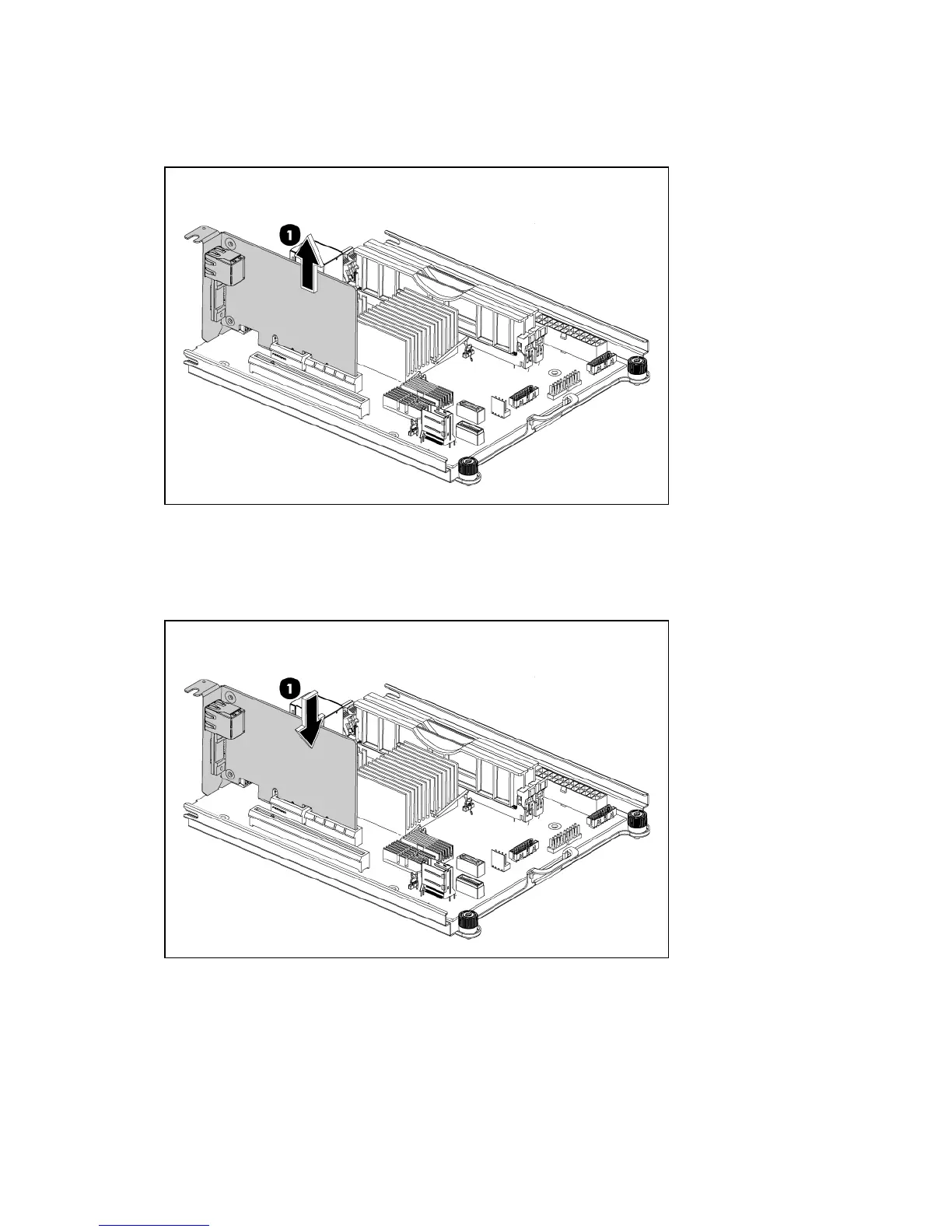
To reinstall the remote access card:
1. Follow the steps of removing the system tray out of the chassis.
2. Lift the remote access card to release it from the connector (1).
3. Put the card into an anti-statistic bag.
4. Install a new remote access card:
• Align the card with the system PCIe slot
• Press the card down to ensure the full connection with the board.
5. Follow the steps of installing the system tray.













 To Next Page