load paper and load originals
22
hp psc 900 series
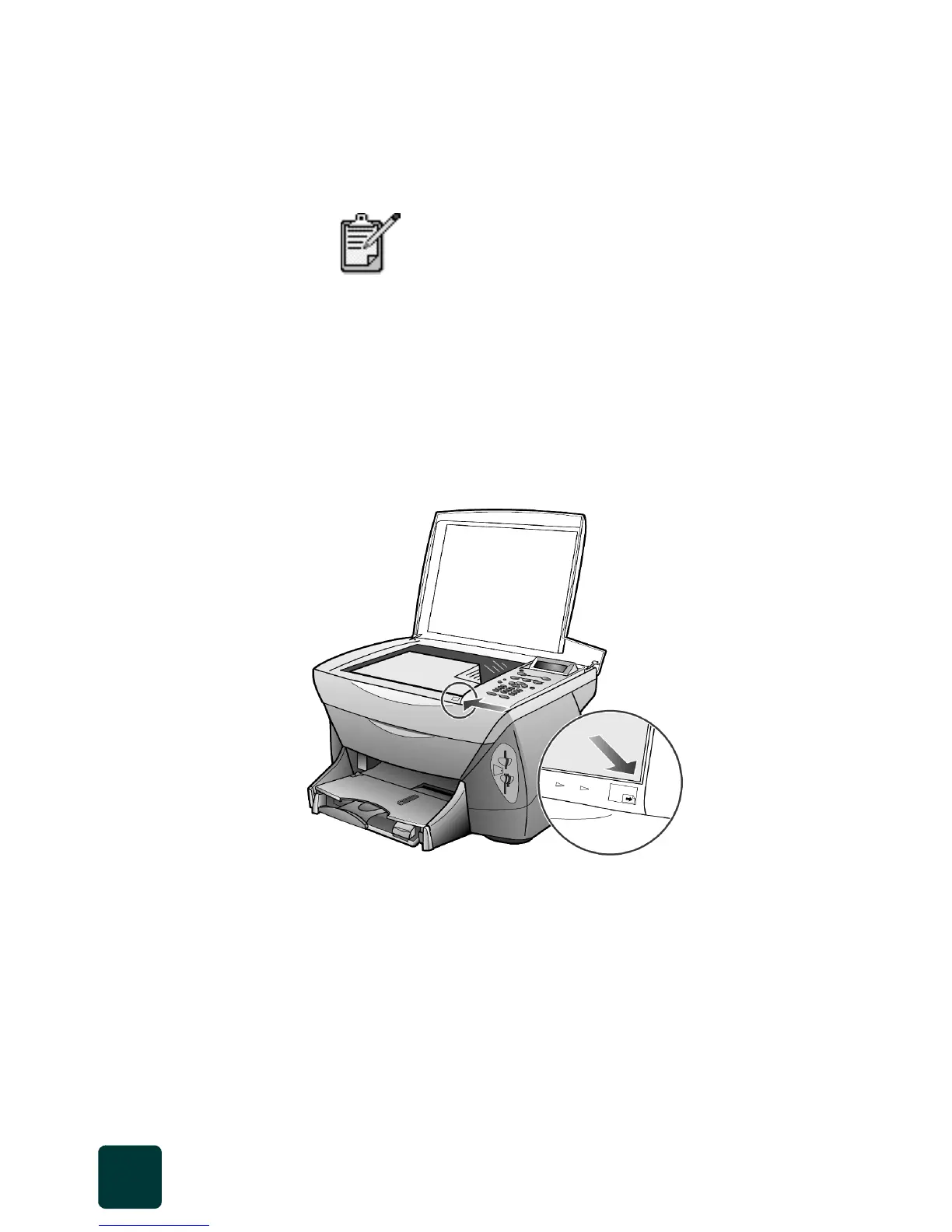
load originals on the glass
You can copy or scan any original by placing it on the glass.
1 Lift the lid and make sure that the glass is clean.
2 Place the original face down on the glass in the front right corner with
the sides of the originals touching the right and front edges.
It is important to use the front right corner when using the copy or
scanning feature.
If you are copying from a transparency (that is, your original is printed
on transparency film), place a blank piece of paper on top of the
transparency.
3 Close the lid.
learn more
See the load section in the onscreen User’s Guide to learn more about:
• recommended paper-type settings for printing
• recommended paper-type settings for copying
Many of the Which Size? copy features under
Options will not work correctly if the glass is not
clean. For more information, see clean the glass
on page 59.
Top edge of
original



 To Next Page