use the copy features
34
hp psc 900 series
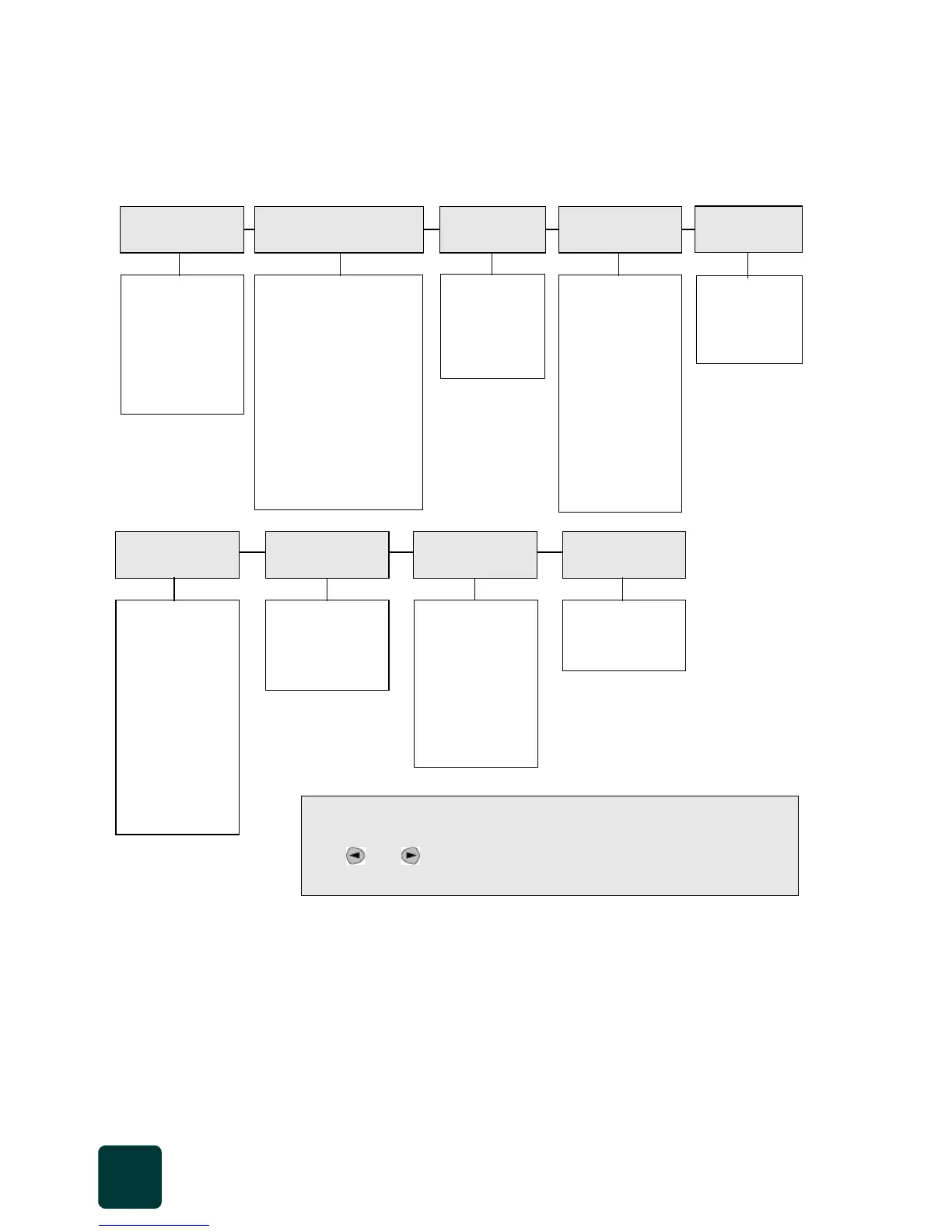
options menu for copy commands
The following options become available in the Options menu when the
Scanner and Copy buttons are lit.
1
2
3
... (numeric input)
Plain Paper
Premium Photo
Photo-Qual Glss
Photo-Qual Matt
Premium Inkjet
Brochure Glossy
Brochure Matte
Iron-On
Transparency
Actual 100%
Fit to Page
8 x 10 inches
5 x 7 inches
4 x 6 inches
3 1/2 x 5 inches
3 x 4 inches
2 1/2 x 3 1/4 inches
Poster 2 -wide
Custom 100%
Number of
Copies
Which Size? Copy
Quality
Paper Type
Letter
A4
Paper Size
Normal
Best
Fast
< oooo● oooo >
< ooooO
●ooo >
< ooooOo
●oo >
< ooooOoo
●o >
< ooooOooo
● >
<
●oooOoooo >
< o
●ooOoooo >
< oo
●oOoooo >
< ooo
●Ooooo >
No
Yes
Text
Photo
None
Lighter/
Darker
Enhancements Color Intensity Set New
Defaults
< ooo●ooo >
< oooO
●oo >
< oooOo
●o >
< oooOoo
● >
<
●ooOooo >
< o
●oOooo >
< oo
●Oooo >
Use when the Scanner and Copy buttons are illuminated.
Press Options to display the menu options.
Press and to move to the setting you want.
Press
Enter to select the displayed setting.



 To Next Page