stop copying
33
hp psc 900 series
make a
poster
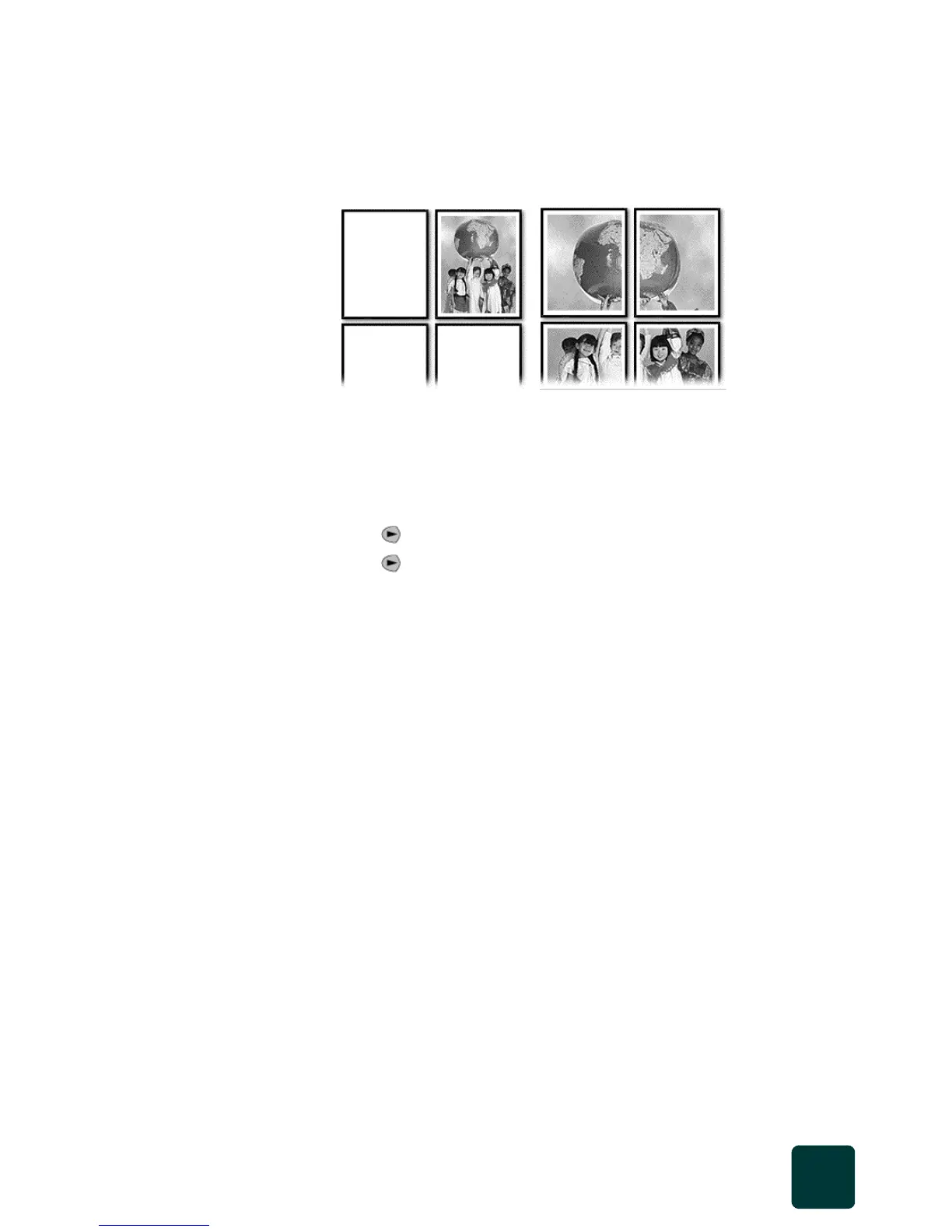
When you use the Poster feature you divide your original into sections, then
enlarge the sections so you can assemble them into a poster.
Tip! You can print a poster from a file on your computer. For
more information, see the onscreen User’s Guide.
1 Press Scanner, then press Copy, if not already lit.
2 Press Options repeatedly until Which Size? appears.
3 Press until Poster appears, then press Enter.
4 Press to select how wide you want the poster to be.
5 Press Enter to confirm your selection
6 Press Black or Color.
Tip! After you select the poster width, the HP PSC adjusts the
length automatically to maintain the original proportions. If
the original cannot be enlarged to the selected poster size,
an error message will appear. Select a smaller poster size
and try the job again.
stop copying
To stop copying, press Cancel on the front panel.
learn more
See the copy section in the onscreen User’s Guide to learn more about:
• performing special copying
• changing color intensity
• enhancing text sharpness and photo colors
• changing settings for copying
Original Poster



 To Next Page