use a photo card
38
hp psc 900 series
scan a proof sheet
After you print a proof sheet, you can use it to print specific photos from
your photo card.
1 Load special paper type, such as photo paper.
2 Make sure that the photo card is inserted in the appropriate slot
on your printer.
3 Select which photos you would like to print by filling in the circles
located underneath the thumbnail images on the proof sheet.
4 Select the number of prints, image size and paper type by filling
in the circles in step 2 of the proof sheet.
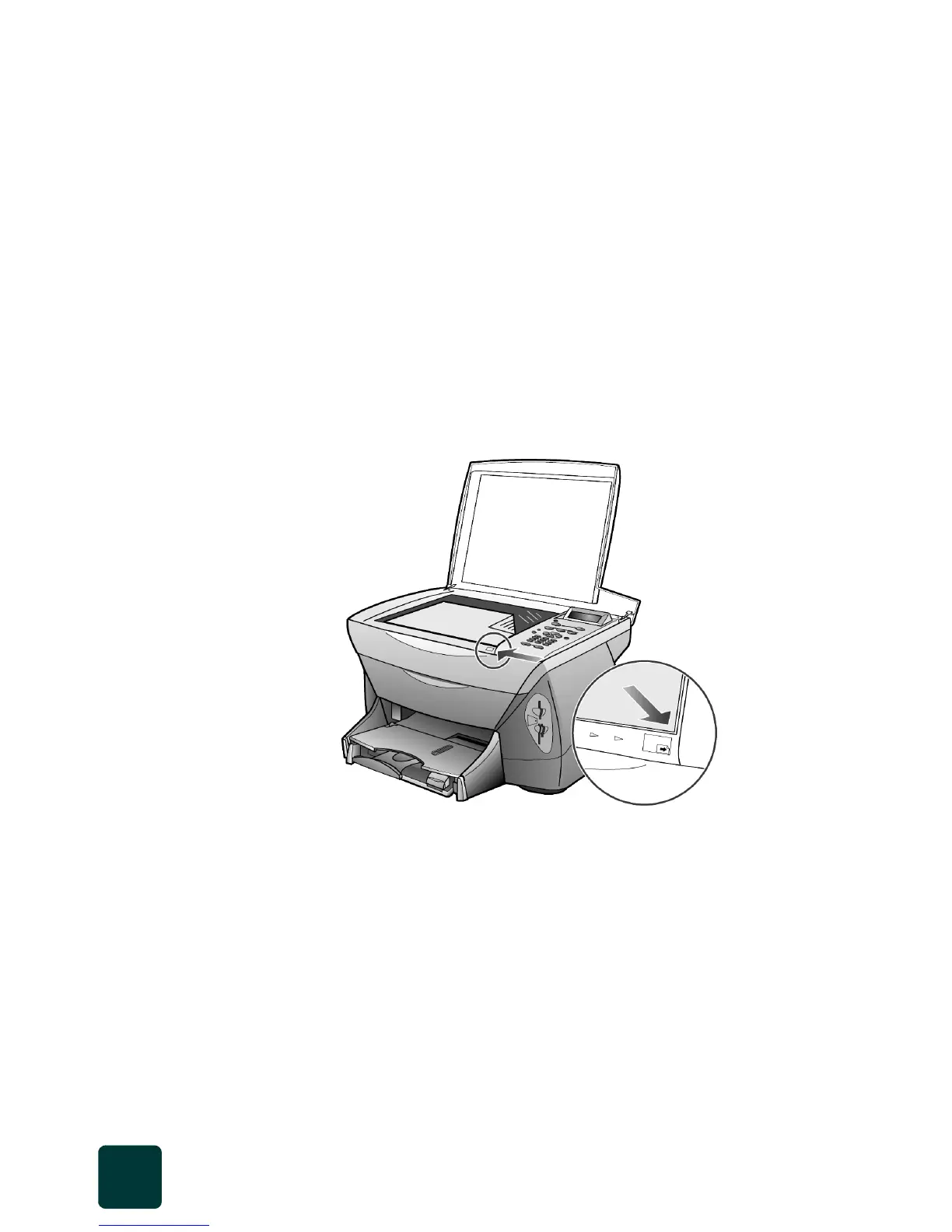
5 Place the top of the proof sheet face down on the scanner glass in
the front right corner with the sides of the originals touching the
right and front edges.
6 Close the lid.
7 Press the Proof Sheet button.
8 Press 2.
The glass is scanned and the HP PSC prints the photos you
specified on the proof sheet.
Top edge of
original



 To Next Page