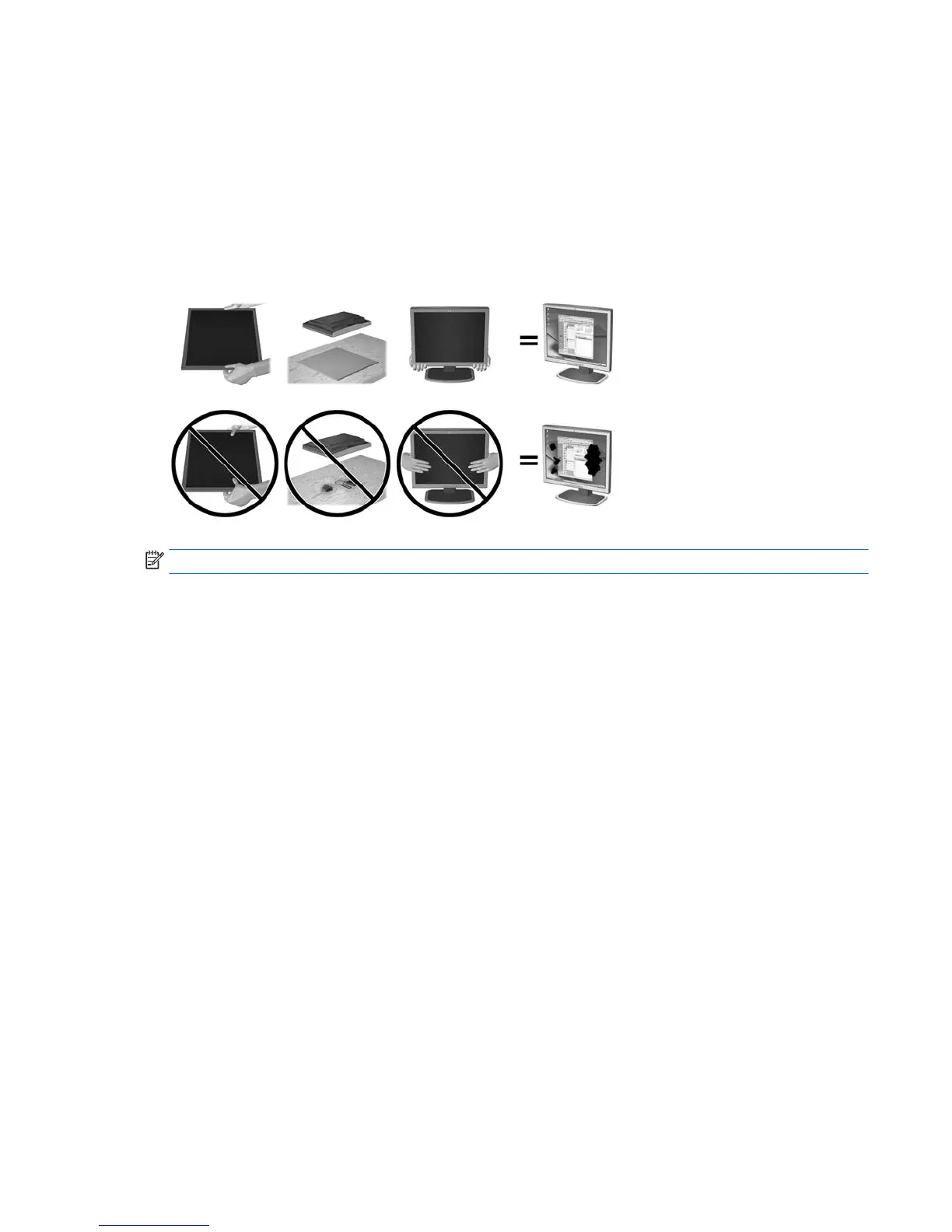
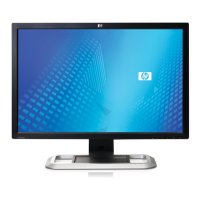
Use caution when setting up the monitor
To prevent damage to the monitor, do not touch the surface of the LCD panel. Pressure on the panel may
cause nonuniformity of color or disorientation of the liquid crystals. If this occurs the screen will not recover
to its normal condition.
If installing a stand, lay the monitor facedown on a at surface covered with protective sheet foam or a
nonabrasive cloth. This prevents the screen from getting scratched, defaced, or broken and prevents damage
to the control buttons.
NOTE: Your monitor may look dierent from the monitor in this illustration.
Setting up the monitor 5


 To Next Page