錯誤! 尚未定義樣式。 7
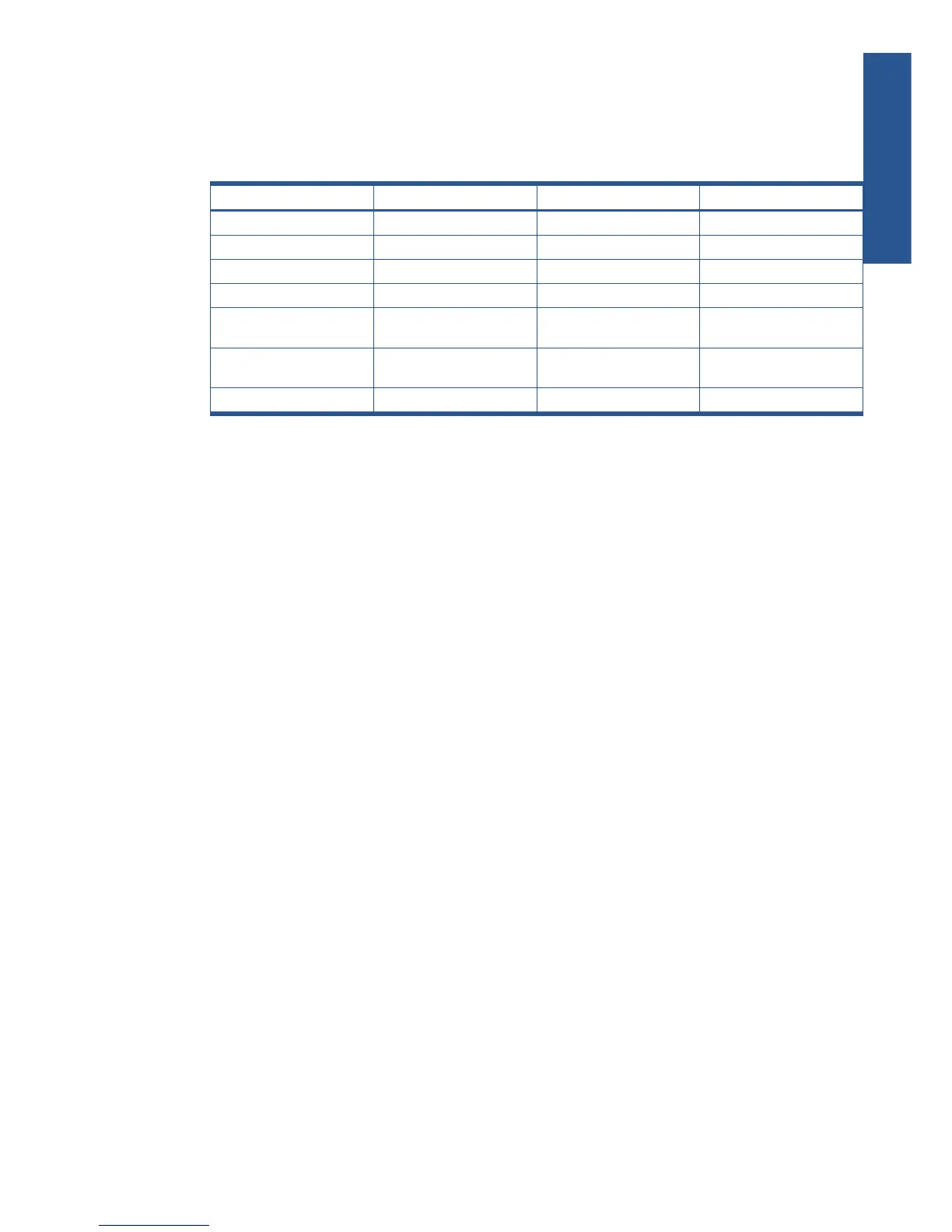
1-3 LED Table
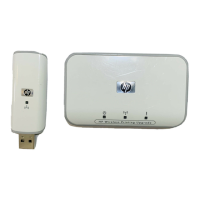
There are three (3) LED indicators on the top panel - Power (Green), 802.11G (Blue) and Attention
(Amber). The following table describes common situations and explains what the lights mean.
Table 1-1 LED Table
POWER (GREEN) 802.11G (BLUE) ATTENTION (Amber)
Power Off Off Off Off
Power On On Off Off
Device initialized On On Off
Data Transmission On Blinking Off
No MFP connected to USB
Port
On On/Blinking On
FW Upgrade (data
transmission)
On Blinking Off
FW Upgrade (write to Flash) Blinking Off Off
1-4 Operating System
The following operating systems are supported:
• Windows XP Home/Professional Stock
• Windows XP Home/Professional SP2
• Windows XP Home/Professional SP1
• Windows 2000 Professional SP4
1-5 List of Supported HP Devices
HP AiOs for Home and Home Office:
PSC 1210, 1350, 1410, 1507, 1315, 1510, 1600, 1610, 2110, 2175, 2210, 2355, 2410, 2510.
Photosmart 2575, 2610, 3210, 2710, 3310.
Officejet 4110, 4125, 5110, 5510, 5610, 6110, 6210, 7210, 7310, 7410.
Photo printers:
Photosmart 145, 230, 245, 325, 375, 7260, 7350, 7550, 7660, 7850, 7960, 8050, 8250, 335, 385, 422, 475,
425, 428.
Deskjet printers:
Deskjet 3425, 3450, 3520, 3550, 3650, 3745, 3820, 3930, 3940, 3845, 5150, 5550, 5740, 5850, 6540, 6840,
9650, 9670.
Introduction











 To Next Page