661947-SJ1 1
English
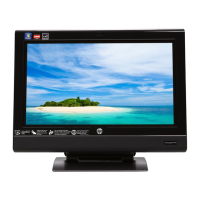
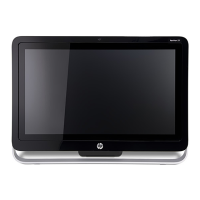
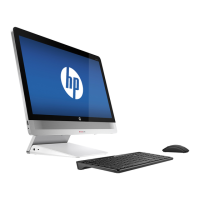
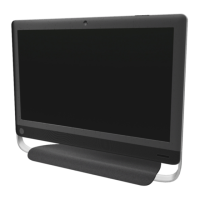
1 Match the part you received to the illustration on the next page.
2 Go to the page number indicated (→ #) for that part.
3 Complete only the part replacement steps in that section.
Bahasa Indonesia
1 Samakan komponen yang Anda terima dengan gambar di
halaman berikutnya.
2 Buka halaman yang ditunjukkan (→ #) untuk komponen tersebut.
3 Lakukan langkah-langkah penggantian yang tertera pada bagian
tersebut.
4 Obavite samo korake izmjene dijela iz tog odlomka.
IMPORTANT: Follow these part replacement instructions:
PENTING: Ikuti petunjuk penggantian berikut ini:


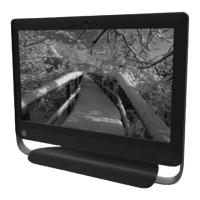
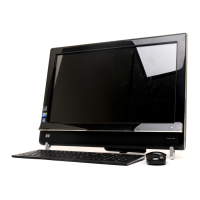


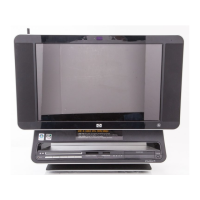


 To Next Page