Need help?
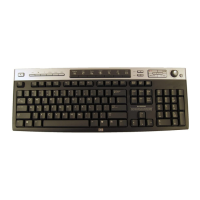
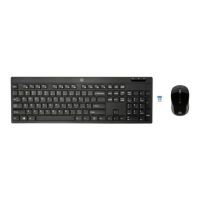
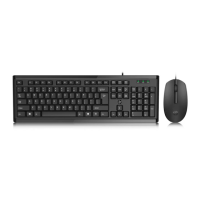
Do you have a question about the HP Wired Keyboard + Mouse and is the answer not in the manual?
Connect the keyboard and mouse to the computer's USB ports.
Plug in the power cord and press the power button to start the computer.
 General
| Device Type | Keyboard and Mouse Combo |
|---|---|
| Keyboard Type | Wired |
| Mouse Type | Wired |
| Connection Interface | USB |
| Key Switch Type | Membrane |
| Color | Black |
| Compatibility | Windows |
| Mouse Buttons | 3 |

 To Next Page