Need help?
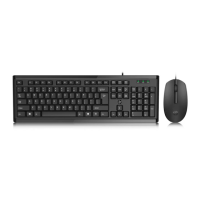
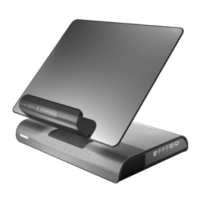
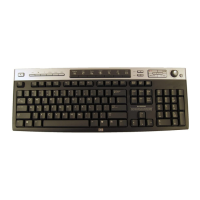
Do you have a question about the HP 5219URF and is the answer not in the manual?
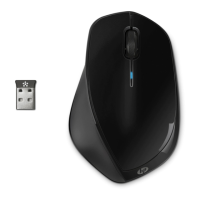
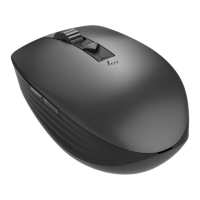
Instructions for installing two AA alkaline batteries into the wireless mouse.
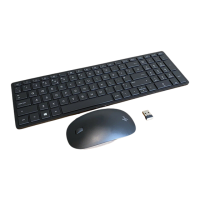
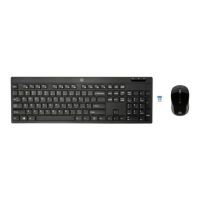
Instructions for installing two AA alkaline batteries into the wireless keyboard.
Steps to turn off the computer, disconnect cables, and connect the receiver cable to the USB port.
Instructions to connect the computer's power and modem/phone cables and then turn it on.
Procedure to press the receiver's ID button to initiate pairing with the computer.
Instructions to press the mouse's ID button for pairing, with LED indicators.
 General
| Brand | HP |
|---|---|
| Model | 5219URF |
| Category | Computer Accessories |
| Language | English |

 To Next Page