130 HP Digital Entertainment Center
Configuring Audio
You may have to optimize your HP Digital Entertainment
Center audio configuration to get the best sound on your
audio system.
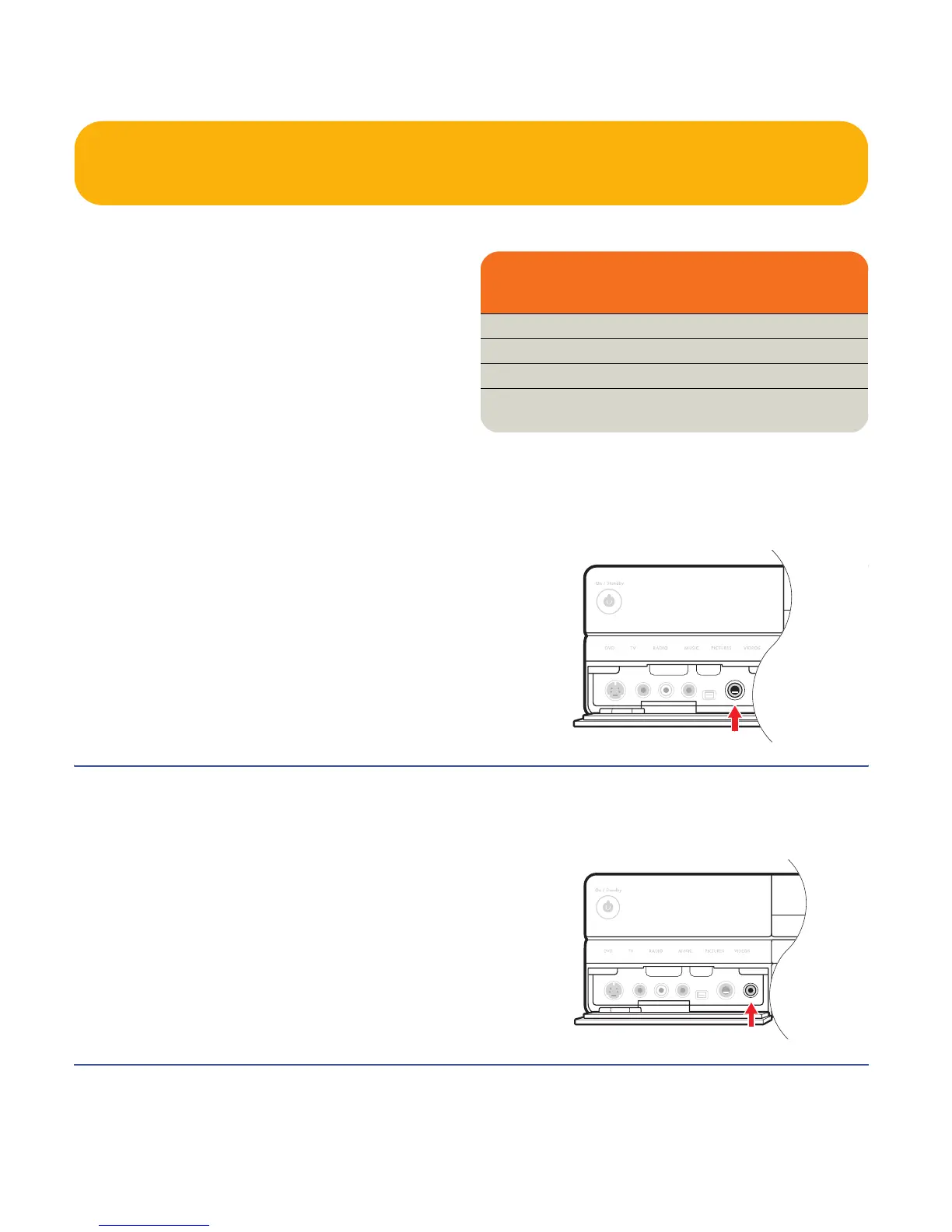
Connecting Headphones
Your HP Digital Entertainment Center comes with a
headphones connector (6.5-mm [1/4-inch]) on the front
panel.
You can connect a mini plug adapter (sold separately)
into the 6.5-mm (1/4-inch) plug to use 3.5-mm (1/8-inch)
mini-jack headphones.
The Audio Out speakers are muted when you plug in the
headphones, but S/PDIF does not mute.
Connecting a Microphone
Your HP Digital Entertainment Center has a microphone
connector on the front panel.
Select the configuration that most closely
matches your home system. See:
“Connecting Headphones” on page 130
“Connecting a Microphone” on page 130
“Adjusting the Volume” on page 132
“Configuring Audio Output” on page 133



 To Next Page