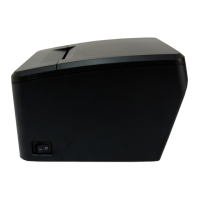
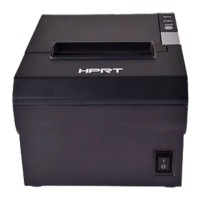
TP808 User Manual
Black Mark Setting
When using black mark paper, the black mark can be set, and the printer will automatically locate
the black mark position.
1)Print start position (>=-14mm)
>=14mm: the start position of printing is at least 14mm from the bottom edge of the black mark
paper.
2)Cutter start position (>=-25mm)
>=-25mm: the position of cutter is at least 25mm from the bottom edge of the black mark
paper.



 To Next Page