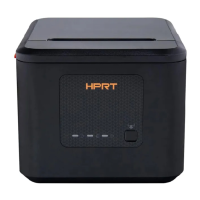
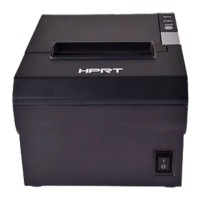
TP808 User Manual
Bluetooth Setting
Note: This setting is only available for models with Bluetooth functionality.
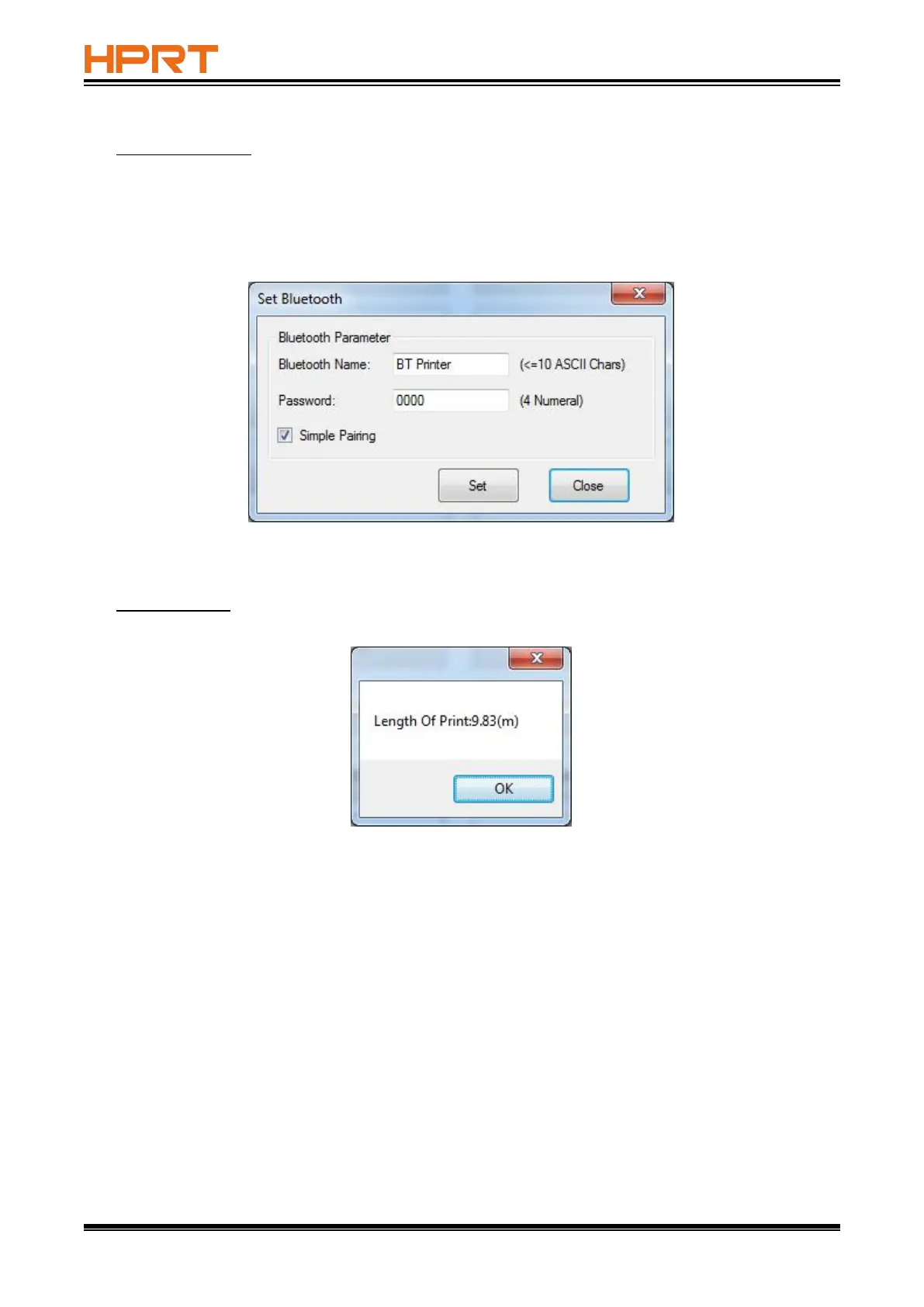
In the below window, type in the new Bluetooth name and password, then click “Set” and restart
the printer to take it into effect.
Note: when “Simple Pairing” is ticked, the password is not needed for Bluetooth connection.
When “Simple Pairing” is not ticked, the password is needed for Bluetooth connection.
Length of Print
Click “Length of Print” to obtain the length of the paper that the printer has printed.



 To Next Page