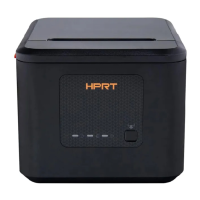
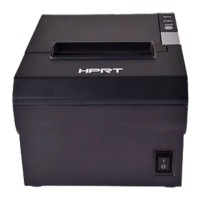
TP808 User Manual
Wi-Fi Setting
Note: This setting is only available for models with Wi-Fi functionality.
The method to switch between Ethernet and Wi-Fi modes: In the power-on state, press and hold
the paper feed button and the power button at the same time until the printer restarts. Then the
printer will print out Ethernet or Wi-Fi information.
Note: Simultaneous use of Ethernet and Wi-Fi is not supported.
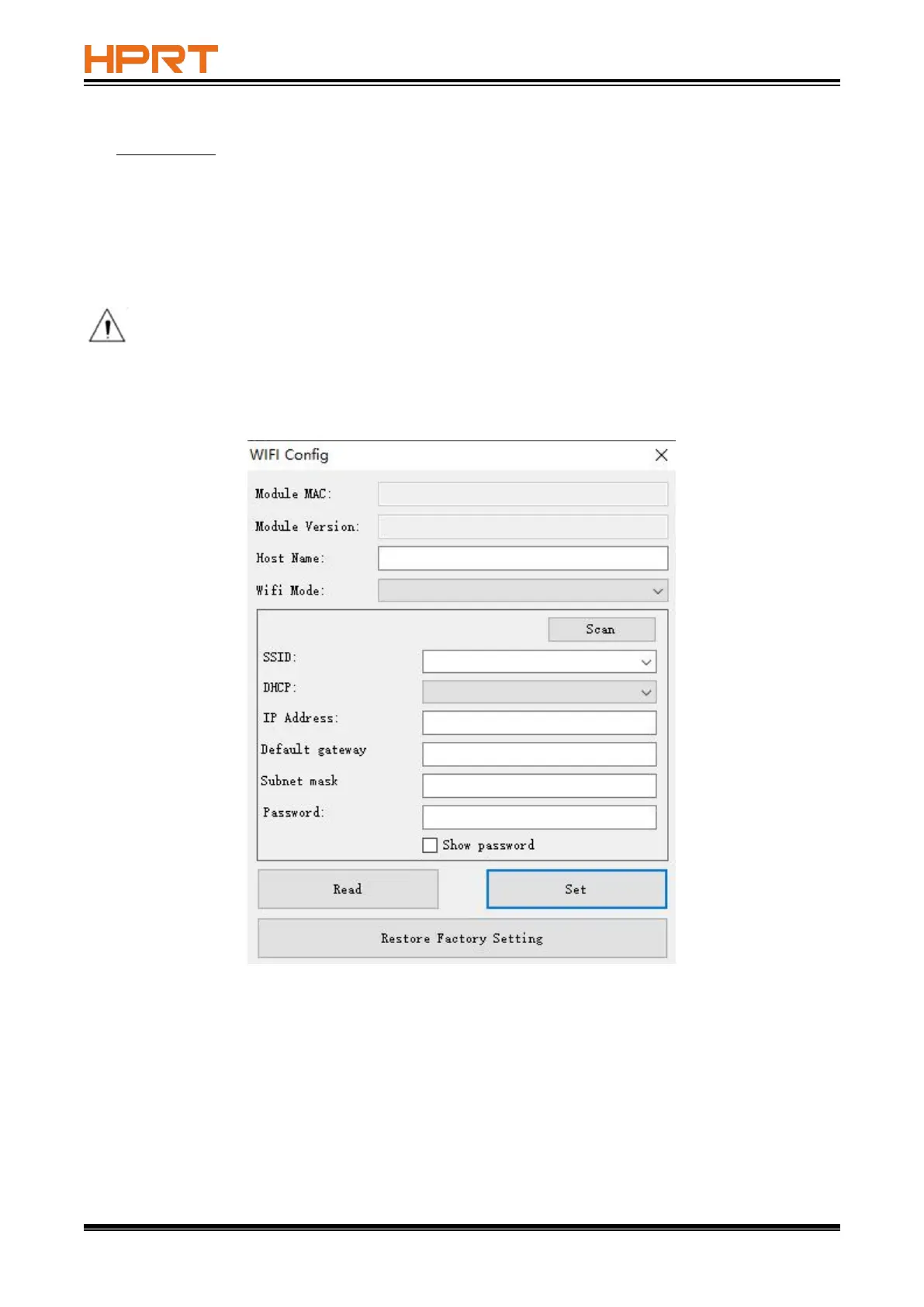
The following steps take TP808 (under WINDOWS 10) for example, and the setting is only available
for those models with Wi-Fi function.



 To Next Page