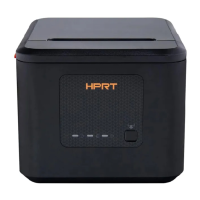
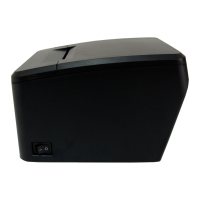
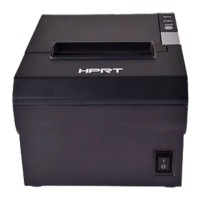
TP808 User Manual
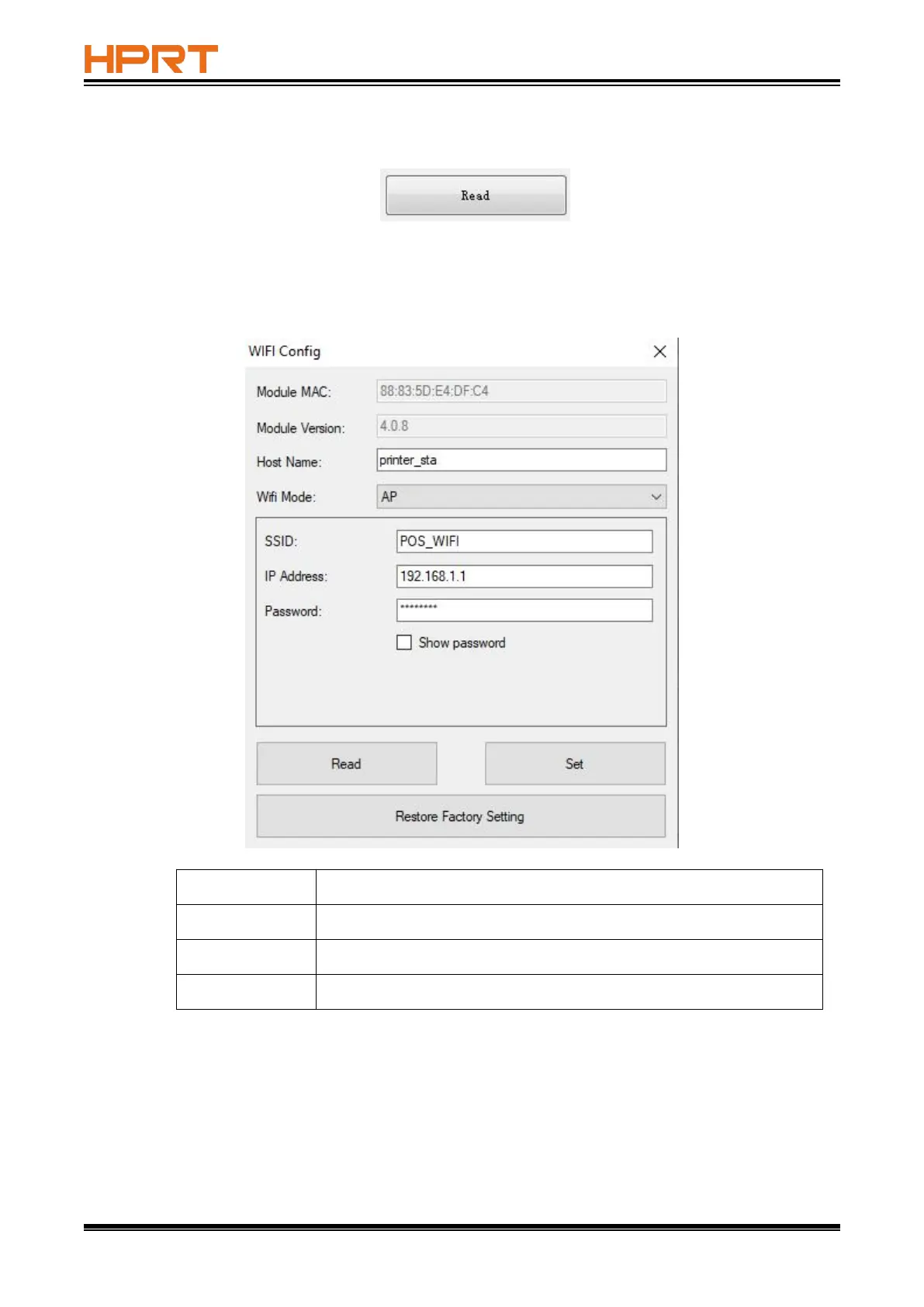
1. Click “Read” to obtain the current status of printer.
1. Wi-Fi Module supports AP mode and STA mode, and default as AP mode.
■ Under AP mode, printer will be used as a wireless network access point, computer or other
mobile devices can connect to this Wi-Fi.
If it’s necessary to modify SSID and IP address, click “Set” after modifying, then restart the
printer.
Supports “AP” mode and “STA” mode, and default as “AP” mode
Modifiable, default as “POS_WIFI”
Modifiable, default as “192.168.1.1”



 To Next Page