WWW.HRV.CO.NZ | 0800 478 123
GETTING STARTED
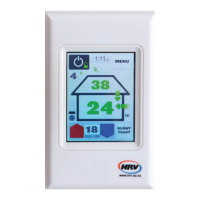
IDEAL TEMP
MENU
BURNT
TOAST
18:00
MENU
21
FILTER
!
18
28
ATU
SK
HS
ATU
HS
6
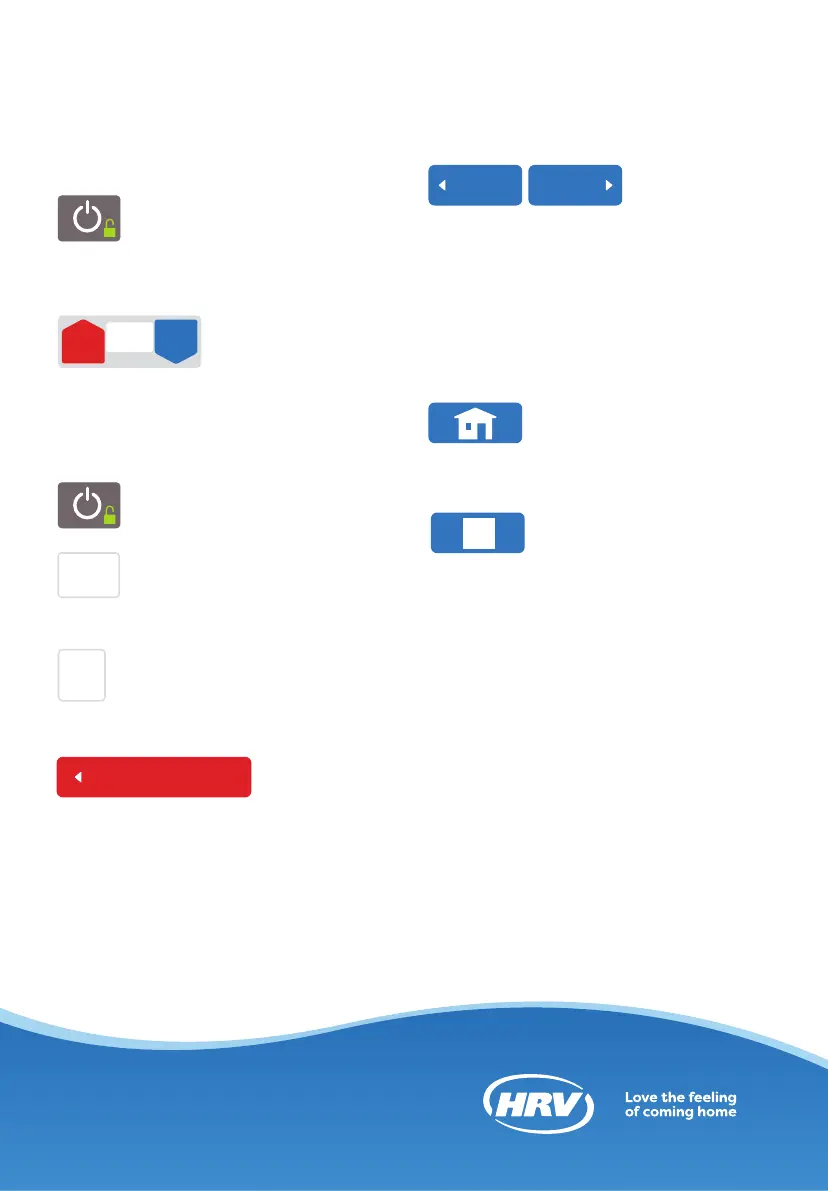
On/O button
Press button once to turn o
and once again to turn back
on.
IDEAL TEMP
21
IDEAL TEMP button
Gives system
guidance to
requiredtemperature.
• Adjusts desired temperature up or
down.
IDEAL TEMP
MENU
BURNT
TOAST
18:00
MENU
21
FILTER
!
18
28
ATU
SK
HS
ATU
HS
6
Lock keypad
Hold down for 3 seconds.
MENU
MENU
21
FILTER
!
18
28
ATU
SK
HS
ATU
HS
6
Menu button
Allows access to sub menus
and extra functionality.
BURNT
TOAST
18:00
MENU
21
FILTER
!
18
28
ATU
SK
HS
ATU
HS
6
Burnt Toast mode
Overrides system, puts fan on
100% speed, pumping
more air into the house for one hour.
Menu title here
Title of button goes here
Title of button goes here
Title of button goes here
Previous Next
?
If you would like to go up vertically
though the menu structure at any point
in time press the menu button at the
top of each screen.
Menu title here
Title of button goes here
Title of button goes here
Title of button goes here
Previous Next
Use the previous and next buttons at the
bottom of each menu page to navigate
through the sub menus horizontally.
If you would like to go up vertically
through the menu structure at any point
in time press the menu button at the top
of each screen.
Menu title here
Title of button goes here
Title of button goes here
Title of button goes here
Previous Next
?
If at any time you would like to return
to the front main screen press this icon.
Menu title here
Title of button goes here
Title of button goes here
Title of button goes here
Previous Next
?
If you require further help on a specific
feature press the help button at the
bottom right of each page.
QUICK GUIDE


 To Next Page