4.3. CONDITIONS WHEN TURNING ON
5. USING THE REMOTE UNIT SOLAR-02
5.1. GENERAL
The remote unit SOLAR-02 can be used in the following modes:
1. Independent operation without connection to any master instrument for measuring in
real time the values of irradiation, cell temperature and environmental temperature on
PV installations. To this purpose, the unit accepts, as inputs:
For irradiation measurement (expressed in W/m
2
- PYRA/CELL input):
➢
Solarimeter probe with thermobattery type Irr-P (see Table 1)
➢
Double reference silicon cell type Irr-S2 (see Table 1)
For module and environmental temperature measurement (expressed in °C – TEMP
input)
➢
Temperature probe type Tmp (see Table 1)
2. Operation for testing/recording synchronized with a master instrument for measuring
and saving irradiation and temperature values of cells and environment. The type of
connection with the master instruments is the following:
➢
Connection via USB cable C2007 Master instrument type M-USB (see Ta b l e 1 )
➢
Connection with radio frequency (RF) Master instrument type M-RF (see Ta b l e 1 )
According with settings receveid by MASTER instrument, SOLAR-02 display a Tc value:
➢
Measured by the temperature probe “Tmp” (see Table 1)
➢
Calcuted using NOCT (set in MASTER instrument), Irradiance and Environment
Temperature measured by SOLAR-02 according to relationship
where:
Tenv= Environment Temperature
Gp= Irradiance measured
NOCT= Normal Operating Cell Temperature
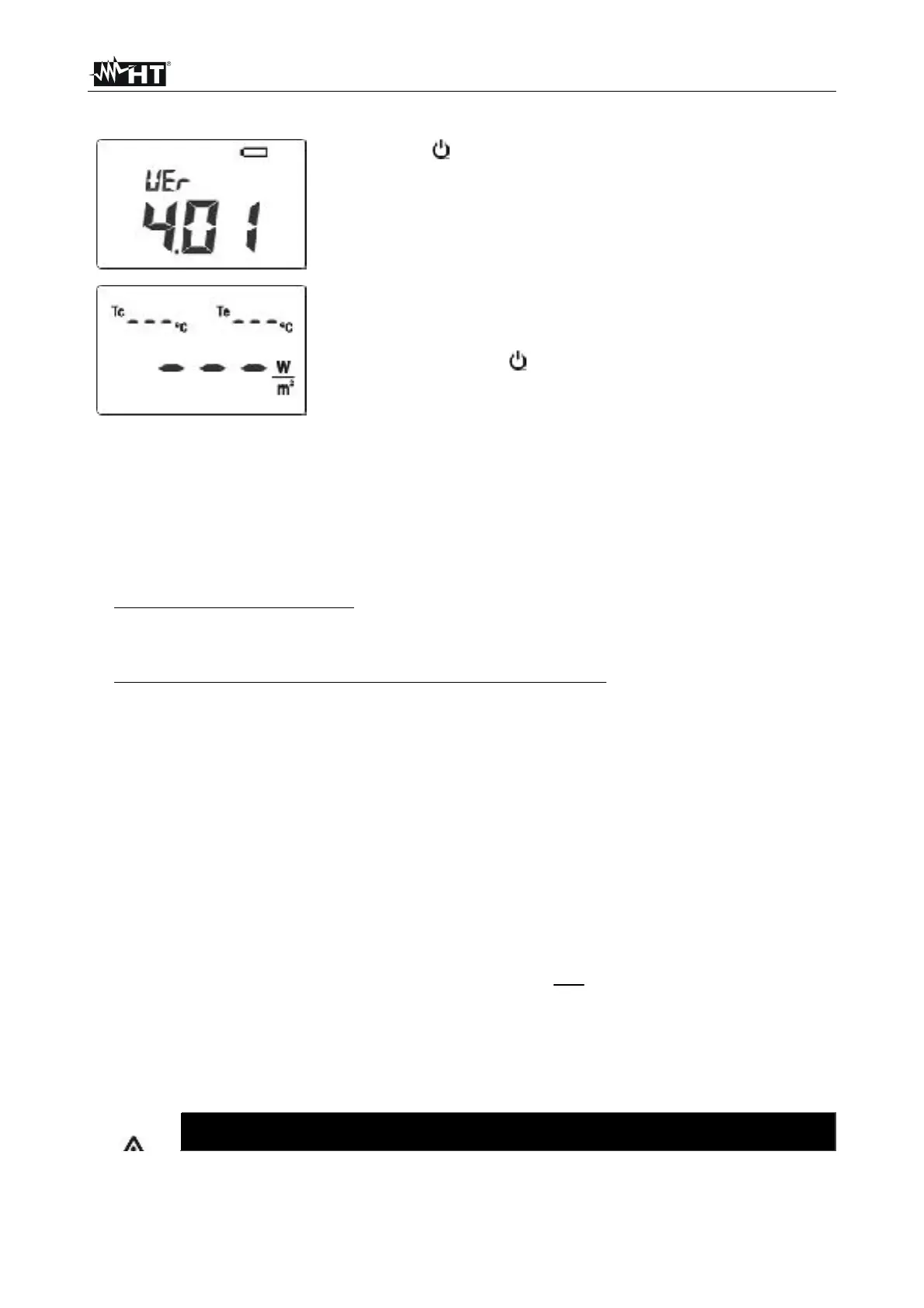
1. Press the /ESC key to turn on the instrument
2. After the initial screen, where all display symbols appear,
the screen beside, relevant to the loaded firmware version
(FW, e.g. 4.01), is displayed by the unit for a few seconds


 To Next Page