2. Keep the tool plate against the surface. Make sure
that the tool plate does not rotate before you lift up
the front.
3. Pull out the power plug.
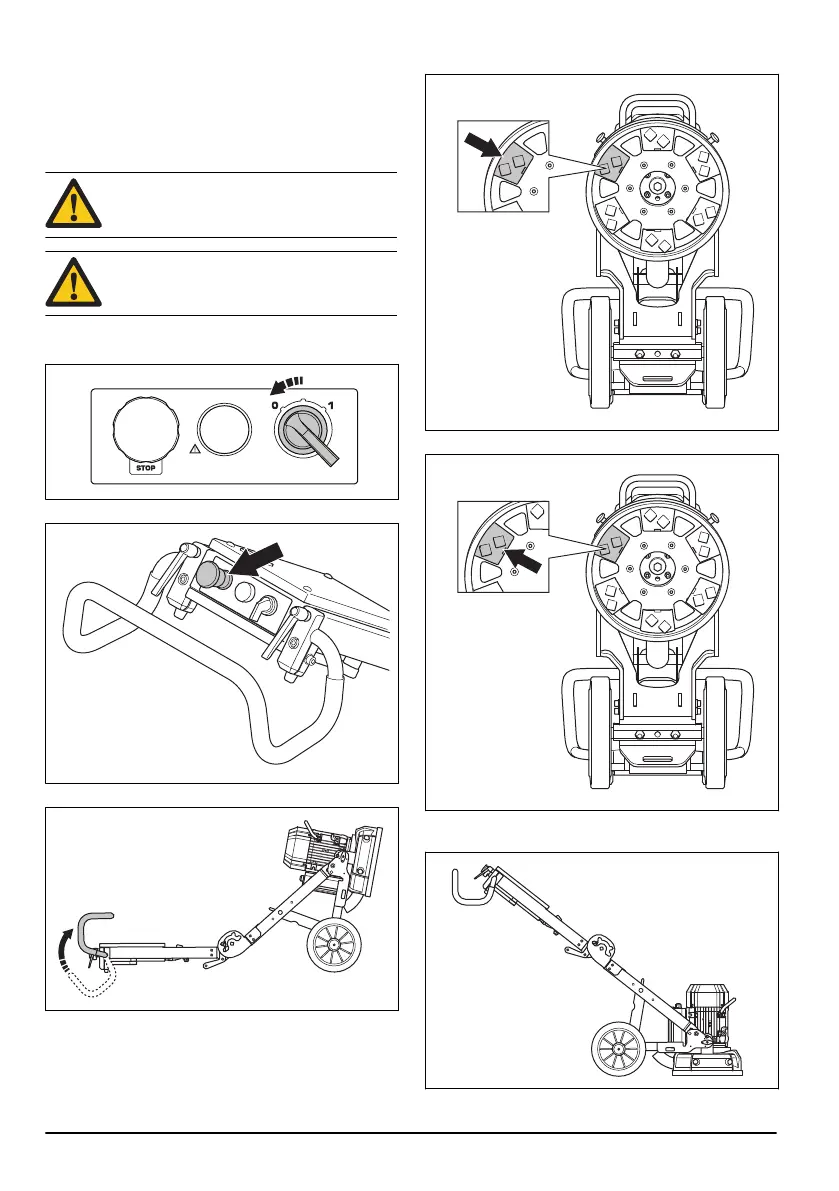
To replace the diamond tools
WARNING: Disconnect the power plug.
WARNING: Use protective gloves, as
diamond tools can become very hot.
1. Turn the ON/OFF switch to 0 and disconnect the
power plug to stop the product.
2. Push the emergency stop.
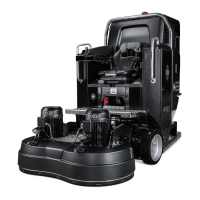
3. Put the product into servicing position.
4. Use a hammer to remove the diamond tools.
5. Attach new diamond tools on the tool plate.
6. When the diamond tools are replaced, put the
product into operation position.
12
917 - 001 -


 To Next Page